Overview
New wallets start with privacy off (privateEnabled: false). Public clients can query their Bitcoin balances and transfer history. Call setPrivacyEnabled(true) to restrict those wallet queries to the owner and a viewer the owner has authorized.
Privacy mode applies to Bitcoin queries only. Token activity, including USDB transfers, remains public. It does not hide Bitcoin on-chain data or information already shared with another party.
Enable privacy
To make wallet queries public again, call wallet.setPrivacyEnabled(false).
Check the setting from the owner’s wallet with getWalletSettings(). A missing response is not confirmation that privacy is off.
Grant a service read access
A wallet can authorize one viewer identity key at a time. Setting a new key replaces the previous grant. The grant permits reads; it does not permit spending or claiming incoming transfers.
Use a separate mnemonic or seed for the viewer. Do not give a service the owner’s wallet mnemonic just to let it read balances.
The viewer identity is HD-derived. Use deriveViewerIdentityPublicKey() with the same network and account number as createWithViewerKey(); the public key of the seed itself is not the viewer identity.
Granting a viewer does not enable privacy. While privacy is off, public clients can still read the wallet. To revoke the grant:
Authentication alone does not grant access to someone else’s private wallet: the owner must authorize that identity.
Interpret empty responses
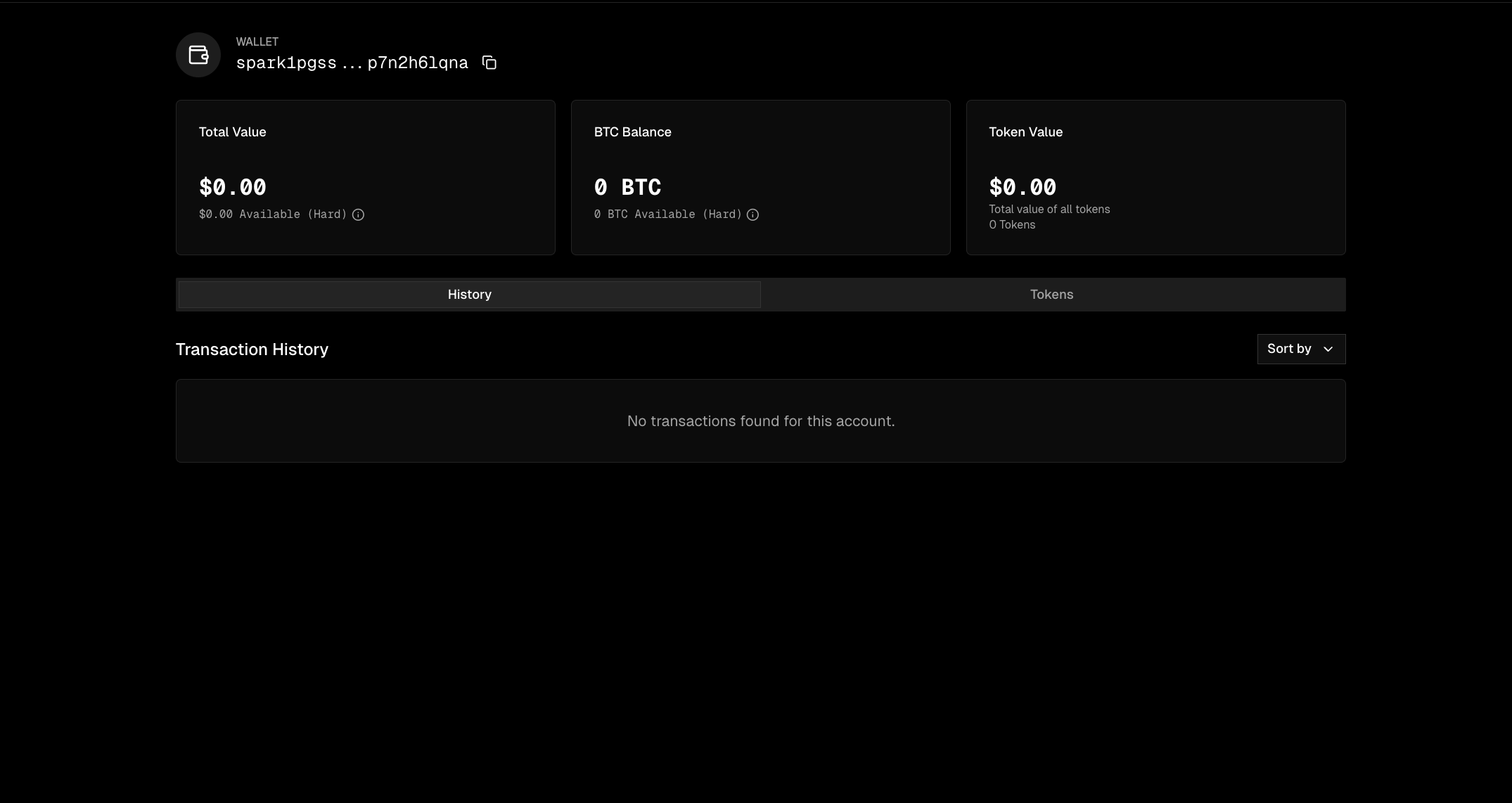
Without owner or viewer authorization, private-wallet balance queries return 0n and wallet transfer lists return empty arrays. This is intentional: returning a distinct permission error would reveal that a private wallet exists. These responses do not distinguish a private wallet from an empty wallet. Do not use a zero balance or an empty history as proof that a grant succeeded or failed. Authentication, network, and other request errors can still occur.
Confirm the configured viewer key through the owner’s getWalletSettings(). The read-only client has no public permission-check method. An event-stream error is not a supported permission probe; see Wallet Viewer limitations.
Privacy is a wallet-query setting, not a guarantee that every record of a transfer is hidden. Transfer details may also be accessible through another participant. Do not use getTransfersByIds() to test whether a wallet granted you access, and avoid exposing transfer IDs unnecessarily.
Webhooks
Webhooks report request outcomes independently of wallet-history read access. They do not grant access to private queries and do not claim incoming funds. See Webhooks for registration, signature verification, and payment matching.
API reference