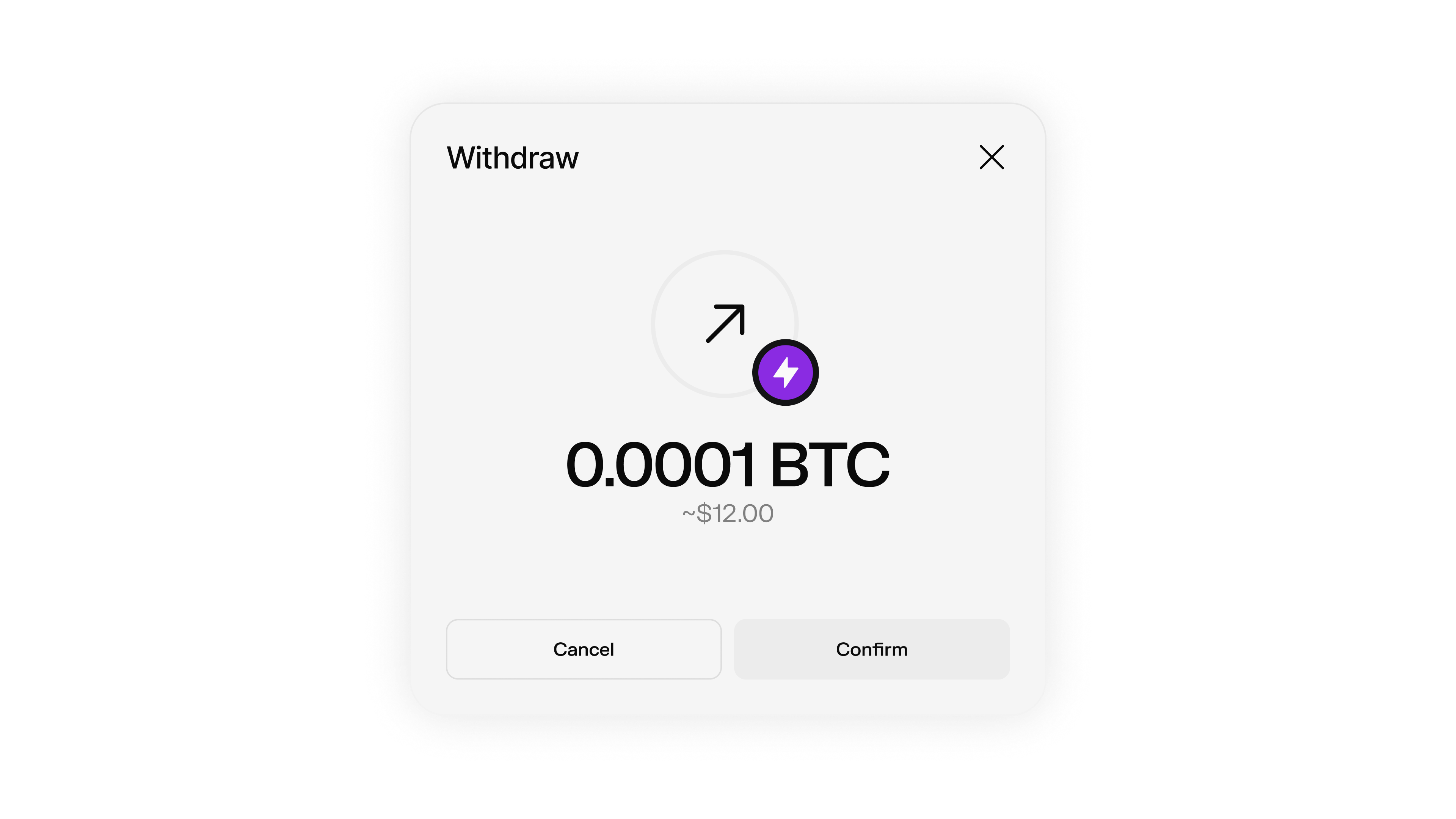
Pay any Lightning invoice directly from your Spark wallet.
Lightning Withdrawal Flow
The complete process for withdrawing Bitcoin from Spark to the Lightning Network:
Get Lightning Invoice
Obtain a Lightning invoice from the recipient or Lightning service. // Example Lightning invoice
const invoice = "lnbcrt1u1pnm7ammpp4v84f05tl0kzt6g95g056athdpp8f8azvg6d7epz74z562ymer9jqsp5nc50gazvp0e98u42jlu653rw0eutcl067nqq924hf89q4la4kd9sxq9z0rgqnp4qdnmwu8v22cvq9xsv2l05cn9rre7xlcgdtntxawf8m0zxq3qemgzqrzjqtr2vd60g57hu63rdqk87u3clac6jlfhej4kldrrjvfcw3mphcw8sqqqqrj0q7ew45qqqqqqqqqqqqqq9qcqzpgdq5w3jhxapqd9h8vmmfvdjs9qyyssqj7lf2w4m587g04n4t0ferdv0vnwftzca0xuc9yxycng78cnhrvmyw2mzaa8t76jskpypqnwqhp9xh0vnwxz90jytd34vrmhcngsnl8qplz7ylk" ;
console . log ( "Lightning invoice:" , invoice );
Estimate Fees
Get a fee estimate for the Lightning payment to understand costs. const feeEstimate = await wallet . getLightningSendFeeEstimate ({
encodedInvoice: invoice
});
console . log ( "Fee estimate:" , feeEstimate );
Pay Invoice
Send the Lightning payment with appropriate fee limits. const payment = await wallet . payLightningInvoice ({
invoice: invoice ,
maxFeeSats: 5 , // Maximum fee to pay
preferSpark: true // Prefer Spark transfers when possible
});
console . log ( "Payment initiated:" , payment );
Monitor Payment
Track the payment status until completion. const paymentStatus = await wallet . getLightningSendRequest ( payment . id );
console . log ( "Payment status:" , paymentStatus . status );
Pay Lightning Invoice
Send Bitcoin from your Spark wallet to any Lightning Network invoice.
payLightningInvoice(params)
Pays a Lightning invoice using your Spark wallet balance.
const payment = await wallet . payLightningInvoice ({
invoice: "lnbcrt1u1pnm7ammpp4v84f05tl0kzt6g95g056athdpp8f8azvg6d7epz74z562ymer9jqsp5nc50gazvp0e98u42jlu653rw0eutcl067nqq924hf89q4la4kd9sxq9z0rgqnp4qdnmwu8v22cvq9xsv2l05cn9rre7xlcgdtntxawf8m0zxq3qemgzqrzjqtr2vd60g57hu63rdqk87u3clac6jlfhej4kldrrjvfcw3mphcw8sqqqqrj0q7ew45qqqqqqqqqqqqqq9qcqzpgdq5w3jhxapqd9h8vmmfvdjs9qyyssqj7lf2w4m587g04n4t0ferdv0vnwftzca0xuc9yxycng78cnhrvmyw2mzaa8t76jskpypqnwqhp9xh0vnwxz90jytd34vrmhcngsnl8qplz7ylk" ,
maxFeeSats: 5 ,
preferSpark: true ,
amountSatsToSend: 1000 // Only for zero-amount invoices
});
console . log ( "Payment Response:" , payment );
The BOLT11-encoded Lightning invoice to pay
Maximum fee in satoshis to pay for the invoice
When true, Spark wallets will initiate a Spark transfer instead of a Lightning transfer if a valid Spark address is found in the invoice
Amount in satoshis to send (only used for zero-amount invoices)
payment
LightningSendRequest
required
The Lightning payment request details including ID and status
Get Fee Estimate
Estimate the fees for a Lightning payment before sending.
getLightningSendFeeEstimate(params)
Gets an estimated fee for sending a Lightning payment.
const feeEstimate = await wallet . getLightningSendFeeEstimate ({
encodedInvoice: "lnbcrt1u1pnm7ammpp4v84f05tl0kzt6g95g056athdpp8f8azvg6d7epz74z562ymer9jqsp5nc50gazvp0e98u42jlu653rw0eutcl067nqq924hf89q4la4kd9sxq9z0rgqnp4qdnmwu8v22cvq9xsv2l05cn9rre7xlcgdtntxawf8m0zxq3qemgzqrzjqtr2vd60g57hu63rdqk87u3clac6jlfhej4kldrrjvfcw3mphcw8sqqqqrj0q7ew45qqqqqqqqqqqqqq9qcqzpgdq5w3jhxapqd9h8vmmfvdjs9qyyssqj7lf2w4m587g04n4t0ferdv0vnwftzca0xuc9yxycng78cnhrvmyw2mzaa8t76jskpypqnwqhp9xh0vnwxz90jytd34vrmhcngsnl8qplz7ylk"
});
console . log ( "Estimated fee:" , feeEstimate );
The BOLT11-encoded Lightning invoice
feeEstimate
LightningSendFeeEstimate
required
The estimated fee for the Lightning payment
Monitor Payment Status
Track the status of your Lightning payment.
getLightningSendRequest(id)
Gets a Lightning send request by ID to check payment status.
const paymentStatus = await wallet . getLightningSendRequest ( paymentId );
console . log ( "Payment status:" , paymentStatus . status );
console . log ( "Payment amount:" , paymentStatus . amountSats );
// Check if payment is complete
if ( paymentStatus . status === "TRANSFER_COMPLETED" ) {
console . log ( "Payment completed successfully!" );
}
The ID of the Lightning send request
paymentStatus
LightningSendRequest
required
The Lightning send request details including status and amount
Zero-Amount Invoices
Spark supports paying zero-amount Lightning invoices, which allow you to specify the amount when making the payment.
Zero-amount invoices are not widely supported across the Lightning Network. Some exchanges, such as Binance, currently do not support them.
Paying Zero-Amount Invoices
When paying a zero-amount invoice, you need to specify the amount using the amountSatsToSend parameter:
// Pay a zero-amount invoice with a specific amount
const payment = await wallet . payLightningInvoice ({
invoice: "lnbc..." , // Zero-amount Lightning invoice
maxFeeSats: 5 ,
amountSatsToSend: 1000 , // Specify the amount to send (in satoshis)
});
console . log ( "Zero-amount Payment Response:" , payment );
The amountSatsToSend parameter is only used for zero-amount invoices. For regular invoices with a fixed amount, this parameter is ignored.
Spark Transfer Preference
When paying Lightning invoices, you can enable Spark transfer preference to automatically use Spark transfers when possible.
// Pay with Spark preference enabled
const payment = await wallet . payLightningInvoice ({
invoice: "lnbc..." , // Lightning invoice (potentially with embedded Spark address)
maxFeeSats: 5 ,
preferSpark: true , // Defaults to false
});
console . log ( "Payment Response:" , payment );
When preferSpark is set to true, Spark wallets will:
Initiate a Spark transfer instead of a Lightning transfer if a valid Spark address is found in the invoice
Fall back to regular Lightning payment if no Spark address is found
Real-time Payment Monitoring
Monitor Lightning payment status by polling.
The transfer:claimed event does not fire for outgoing Lightning payments. Use getLightningSendRequest() to poll payment status.
// For outgoing Lightning payments, poll the status:
const checkPaymentStatus = async ( paymentId ) => {
const paymentStatus = await wallet . getLightningSendRequest ( paymentId );
switch ( paymentStatus . status ) {
case "TRANSFER_COMPLETED" :
console . log ( "Lightning payment completed!" );
return true ;
case "TRANSFER_FAILED" :
console . log ( "Lightning payment failed" );
return false ;
default :
console . log ( "Lightning payment pending..." );
setTimeout (() => checkPaymentStatus ( paymentId ), 5000 ); // Check again in 5 seconds
return false ;
}
};
// For INCOMING transfers/deposits, use events:
wallet . on ( "transfer:claimed" , ( transferId , updatedBalance ) => {
console . log ( `Incoming transfer ${ transferId } claimed. New balance: ${ updatedBalance } sats` );
});
Fee Recommendations
We recommend setting the maximum routing fee to whichever is greater:
5 sats (minimum fee)
17 bps × transaction amount (0.17% of the transaction)
// Calculate recommended fee
const amountSats = 10000 ; // Your payment amount
const recommendedFee = Math . max ( 5 , Math . ceil ( amountSats * 0.0017 )); // 17 bps = 0.17%
const payment = await wallet . payLightningInvoice ({
invoice: "lnbc..." ,
maxFeeSats: recommendedFee
});
Error Handling
Implement proper error handling for Lightning payment operations.
async function payLightningSafely ( invoice , maxFeeSats ) {
try {
// 1. Get fee estimate first
const feeEstimate = await wallet . getLightningSendFeeEstimate ({
encodedInvoice: invoice
});
console . log ( "Estimated fee:" , feeEstimate );
// 2. Check if fee is within limits
if ( feeEstimate > maxFeeSats ) {
throw new Error ( `Estimated fee ( ${ feeEstimate } ) exceeds maximum ( ${ maxFeeSats } )` );
}
// 3. Pay the invoice
const payment = await wallet . payLightningInvoice ({
invoice: invoice ,
maxFeeSats: maxFeeSats
});
console . log ( "Payment initiated successfully:" , payment . id );
return payment ;
} catch ( error ) {
console . error ( "Lightning payment failed:" , error . message );
// Handle specific error types
if ( error . message . includes ( "Insufficient" )) {
console . log ( "Please check your balance" );
} else if ( error . message . includes ( "expired" )) {
console . log ( "Invoice has expired, please get a new one" );
} else if ( error . message . includes ( "Invalid invoice" )) {
console . log ( "Please verify the invoice format" );
}
throw error ;
}
}
Checking Balance
You can use getBalance() to check a wallet balance after sending payments.
The getBalance() method returns a Promise resolving to an object containing:
balance: A bigint representing the total amount in satoshis
tokenBalances: A Map of token balances, where each entry contains:
balance: A bigint representing the token amount
tokenInfo: Information about the specific token the wallet is holding
const balanceInfo = await wallet . getBalance ();
console . log ( "Balance:" , balanceInfo . balance , "sats" );
Complete Example
import { SparkWallet } from "@buildonspark/spark-sdk" ;
async function payLightningInvoice () {
const { wallet } = await SparkWallet . initialize ({
options: { network: "REGTEST" }
});
try {
// 1. Set up event listeners
wallet . on ( "transfer:claimed" , ( transferId , updatedBalance ) => {
console . log ( `Transfer ${ transferId } claimed. New balance: ${ updatedBalance } sats` );
});
// 2. Example Lightning invoice (replace with real invoice)
const invoice = "lnbcrt1u1pnm7ammpp4v84f05tl0kzt6g95g056athdpp8f8azvg6d7epz74z562ymer9jqsp5nc50gazvp0e98u42jlu653rw0eutcl067nqq924hf89q4la4kd9sxq9z0rgqnp4qdnmwu8v22cvq9xsv2l05cn9rre7xlcgdtntxawf8m0zxq3qemgzqrzjqtr2vd60g57hu63rdqk87u3clac6jlfhej4kldrrjvfcw3mphcw8sqqqqrj0q7ew45qqqqqqqqqqqqqq9qcqzpgdq5w3jhxapqd9h8vmmfvdjs9qyyssqj7lf2w4m587g04n4t0ferdv0vnwftzca0xuc9yxycng78cnhrvmyw2mzaa8t76jskpypqnwqhp9xh0vnwxz90jytd34vrmhcngsnl8qplz7ylk" ;
// 3. Get fee estimate
const feeEstimate = await wallet . getLightningSendFeeEstimate ({
encodedInvoice: invoice
});
console . log ( "Fee estimate:" , feeEstimate );
// 4. Calculate recommended fee
const amountSats = 1000 ; // Example amount
const recommendedFee = Math . max ( 5 , Math . ceil ( amountSats * 0.0017 ));
// 5. Pay the invoice
const payment = await wallet . payLightningInvoice ({
invoice: invoice ,
maxFeeSats: recommendedFee ,
preferSpark: true
});
console . log ( "Payment initiated:" , payment . id );
// 6. Monitor payment status
const monitorPayment = async () => {
const paymentStatus = await wallet . getLightningSendRequest ( payment . id );
if ( paymentStatus . status === "TRANSFER_COMPLETED" ) {
console . log ( "Lightning payment completed successfully!" );
console . log ( "Amount sent:" , paymentStatus . amountSats , "sats" );
} else if ( paymentStatus . status === "TRANSFER_FAILED" ) {
console . log ( "Lightning payment failed" );
} else {
console . log ( "Lightning payment pending..." );
setTimeout ( monitorPayment , 5000 ); // Check again in 5 seconds
}
};
await monitorPayment ();
} catch ( error ) {
console . error ( "Lightning payment failed:" , error );
}
}