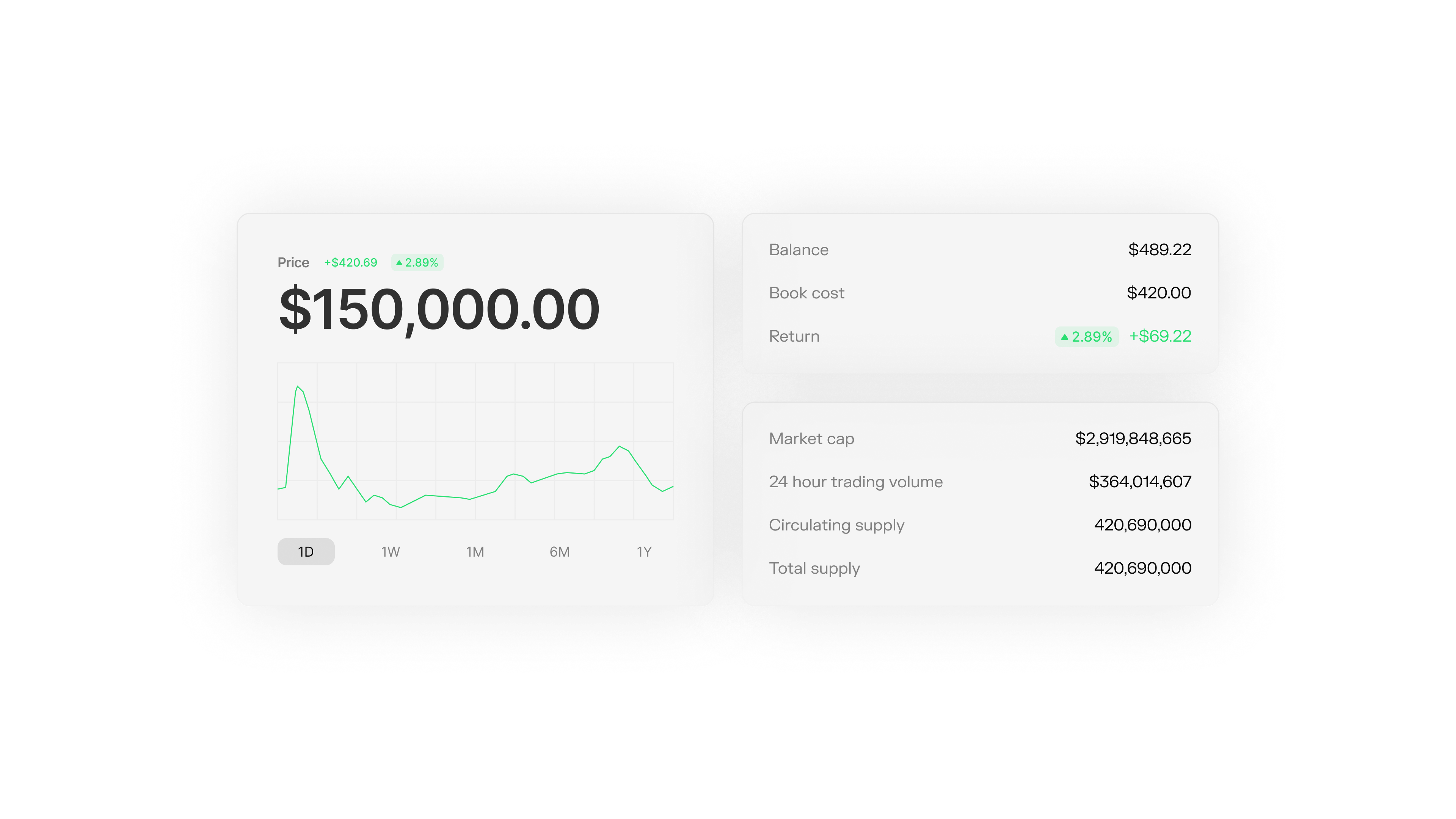
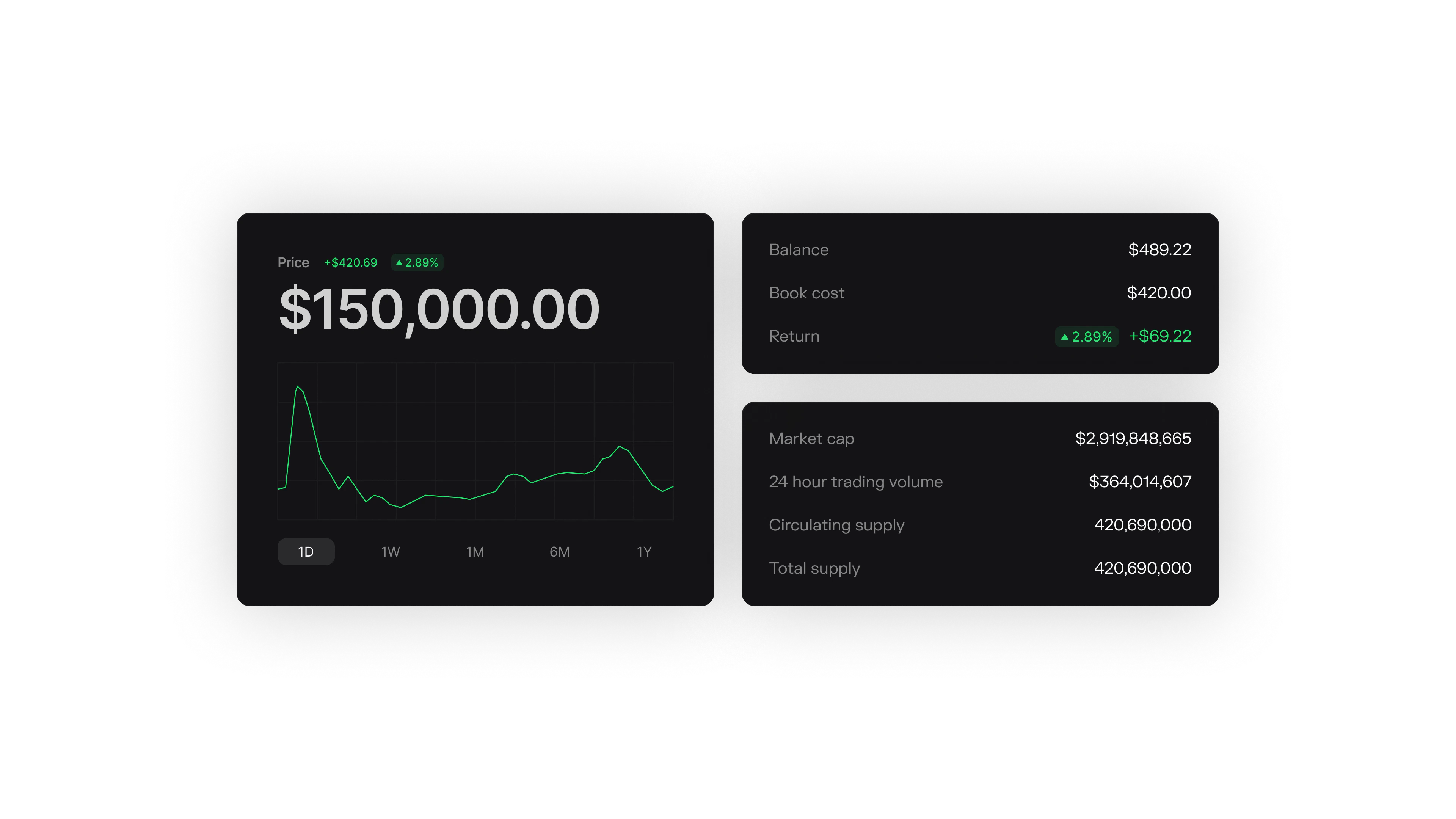
Query the full transaction history for your token. Filter by address, status, or transaction hash to understand how your token moves through the network.
Analytics

Query Transactions

Get all transactions for your token:
const tokenId = await wallet.getIssuerTokenIdentifier();

const response = await wallet.queryTokenTransactions({
  tokenIdentifiers: [tokenId]
});

console.log("Total transactions:", response.tokenTransactions.length);

Filter by Address

Get transactions for a specific Spark address:
const response = await wallet.queryTokenTransactions({
  sparkAddresses: ["spark1abc..."]
});
You can only use one filter type per query. To filter by both token and address, first query by tokenIdentifiers, then filter the results by address in your application code.

Transaction Status

Each transaction has a status:
StatusMeaning
TOKEN_TRANSACTION_STARTEDCreated, not yet signed
TOKEN_TRANSACTION_SIGNEDSigned by all parties
TOKEN_TRANSACTION_FINALIZEDConfirmed
TOKEN_TRANSACTION_STARTED_CANCELLEDCancelled before signing
TOKEN_TRANSACTION_SIGNED_CANCELLEDCancelled after signing
Filter by status:
const finalized = response.tokenTransactions.filter(
  tx => tx.status === "TOKEN_TRANSACTION_FINALIZED"
);

console.log("Completed transactions:", finalized.length);

Pagination

For tokens with many transactions, use pagination:
const response = await wallet.queryTokenTransactions({
  tokenIdentifiers: [tokenId],
  order: "desc",
  pageSize: 50,
  offset: 0
});

console.log("Transactions in page:", response.tokenTransactions.length);