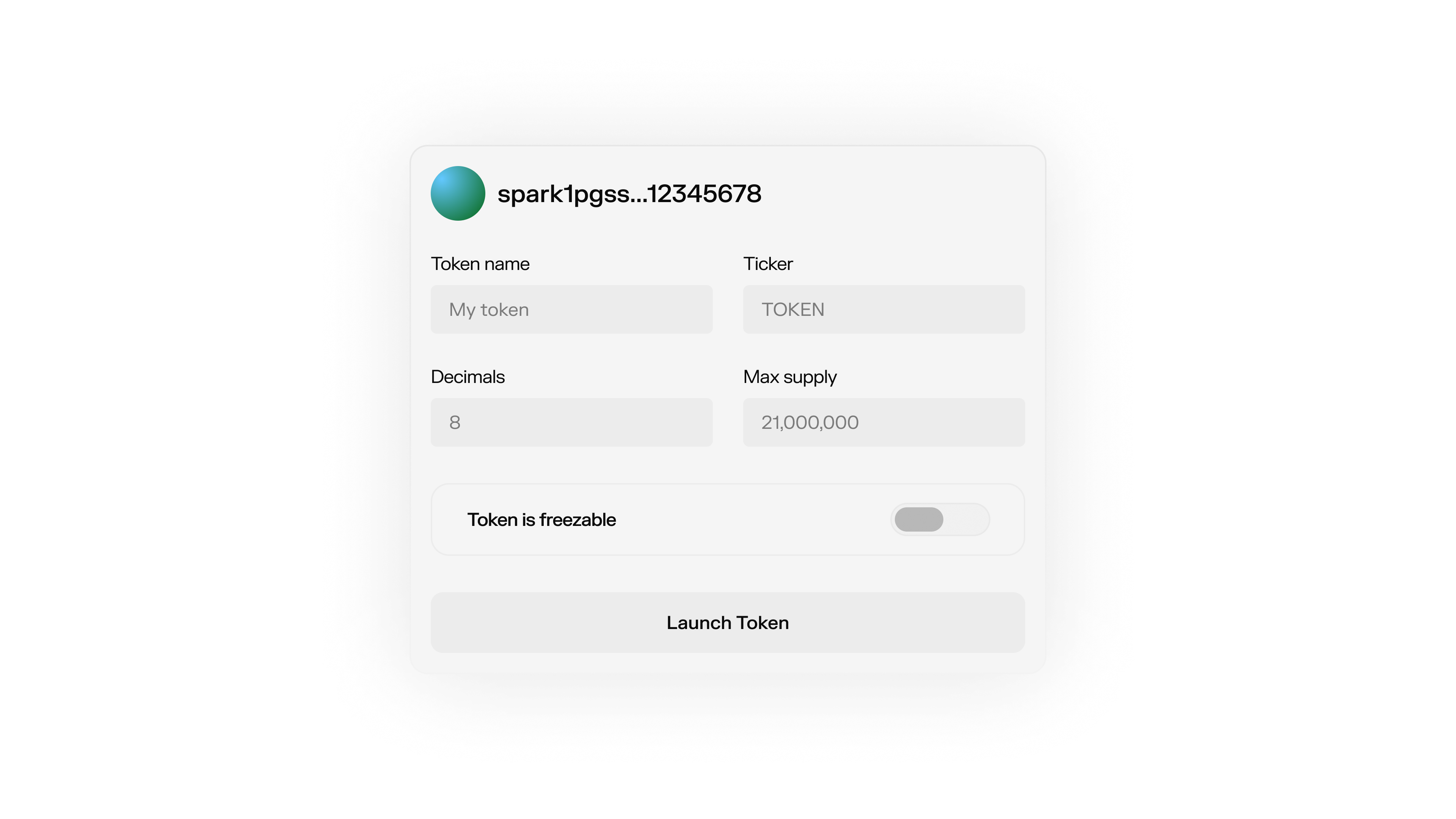
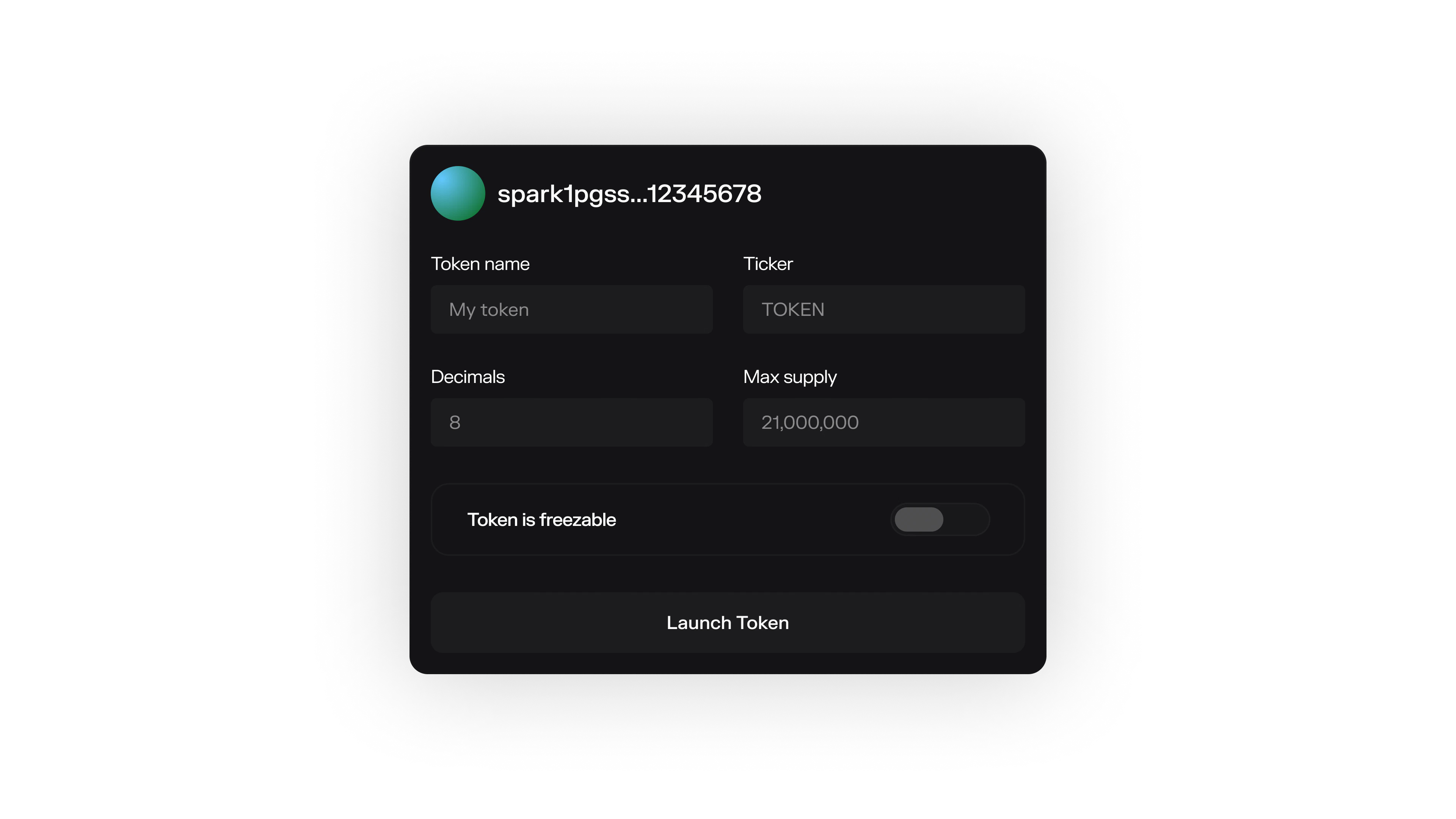
Your issuer wallet holds the keys that control your token. Create one to get started, or restore an existing wallet with your mnemonic.
Issuer Wallet

Create a Wallet

import { IssuerSparkWallet } from "@buildonspark/issuer-sdk";

const { wallet, mnemonic } = await IssuerSparkWallet.initialize({
  options: { network: "REGTEST" }
});

console.log("Backup this phrase:", mnemonic);
console.log("Your address:", await wallet.getSparkAddress());
Store the mnemonic securely. It’s the only way to recover your wallet.

Restore a Wallet

const { wallet } = await IssuerSparkWallet.initialize({
  mnemonicOrSeed: "abandon abandon abandon abandon abandon abandon abandon abandon abandon abandon abandon about",
  options: { network: "MAINNET" }
});

Networks

NetworkUse
REGTESTDevelopment and testing
MAINNETProduction
Start on REGTEST. When you’re ready for production, generate a fresh wallet on MAINNET.

Multiple Tokens

Each wallet creates one token. To issue multiple tokens, use different account numbers:
const { wallet: tokenA } = await IssuerSparkWallet.initialize({
  mnemonicOrSeed: "your mnemonic...",
  accountNumber: 0,
  options: { network: "REGTEST" }
});

const { wallet: tokenB } = await IssuerSparkWallet.initialize({
  mnemonicOrSeed: "your mnemonic...",
  accountNumber: 1,
  options: { network: "REGTEST" }
});

Cleanup

Close connections when your app shuts down:
await wallet.cleanupConnections();