> ## Documentation Index
> Fetch the complete documentation index at: https://docs.spark.money/llms.txt
> Use this file to discover all available pages before exploring further.
# Withdraw to Lightning
export const Method = ({children, className = ""}) => {
return
{children}
;
};
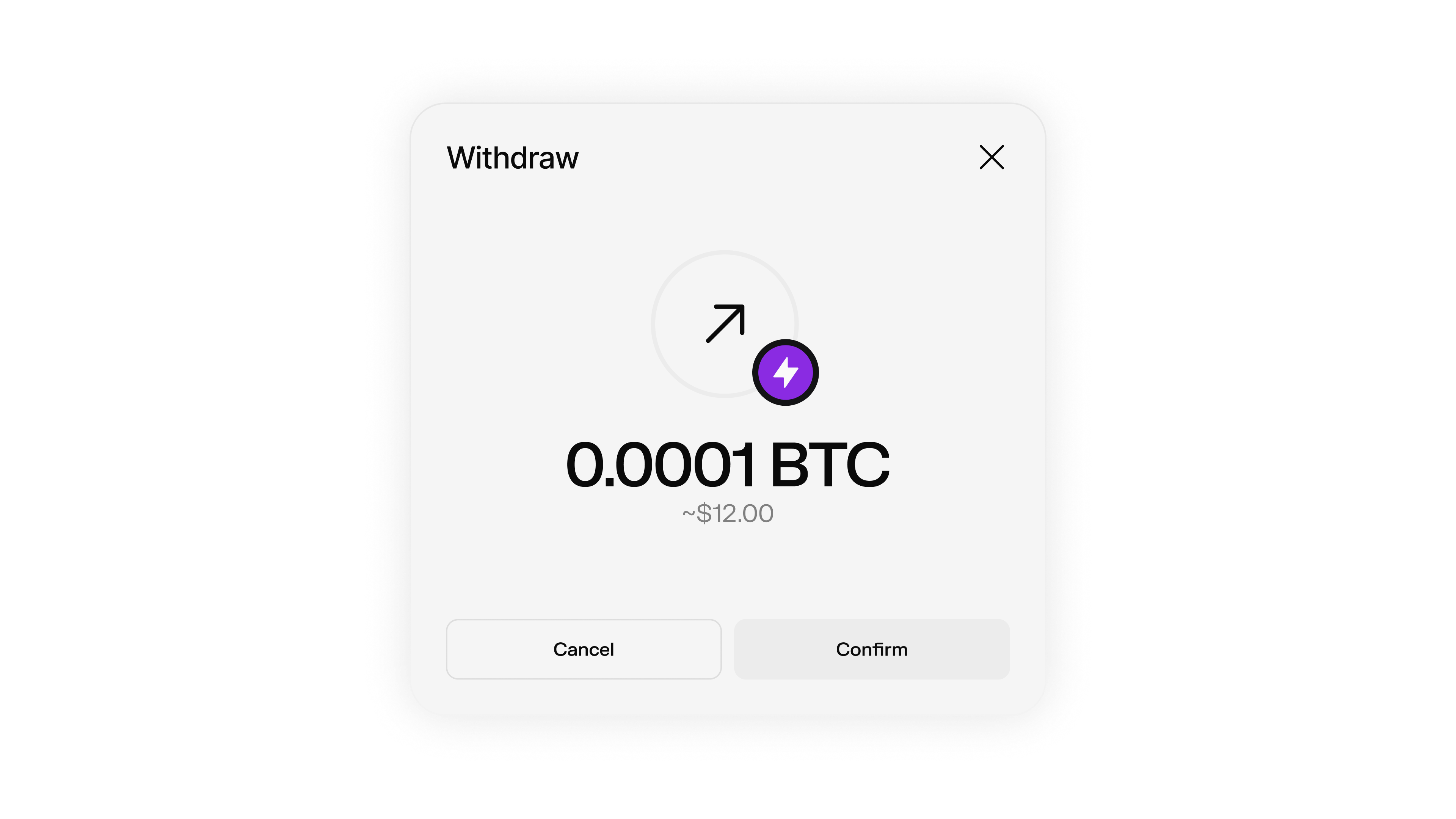
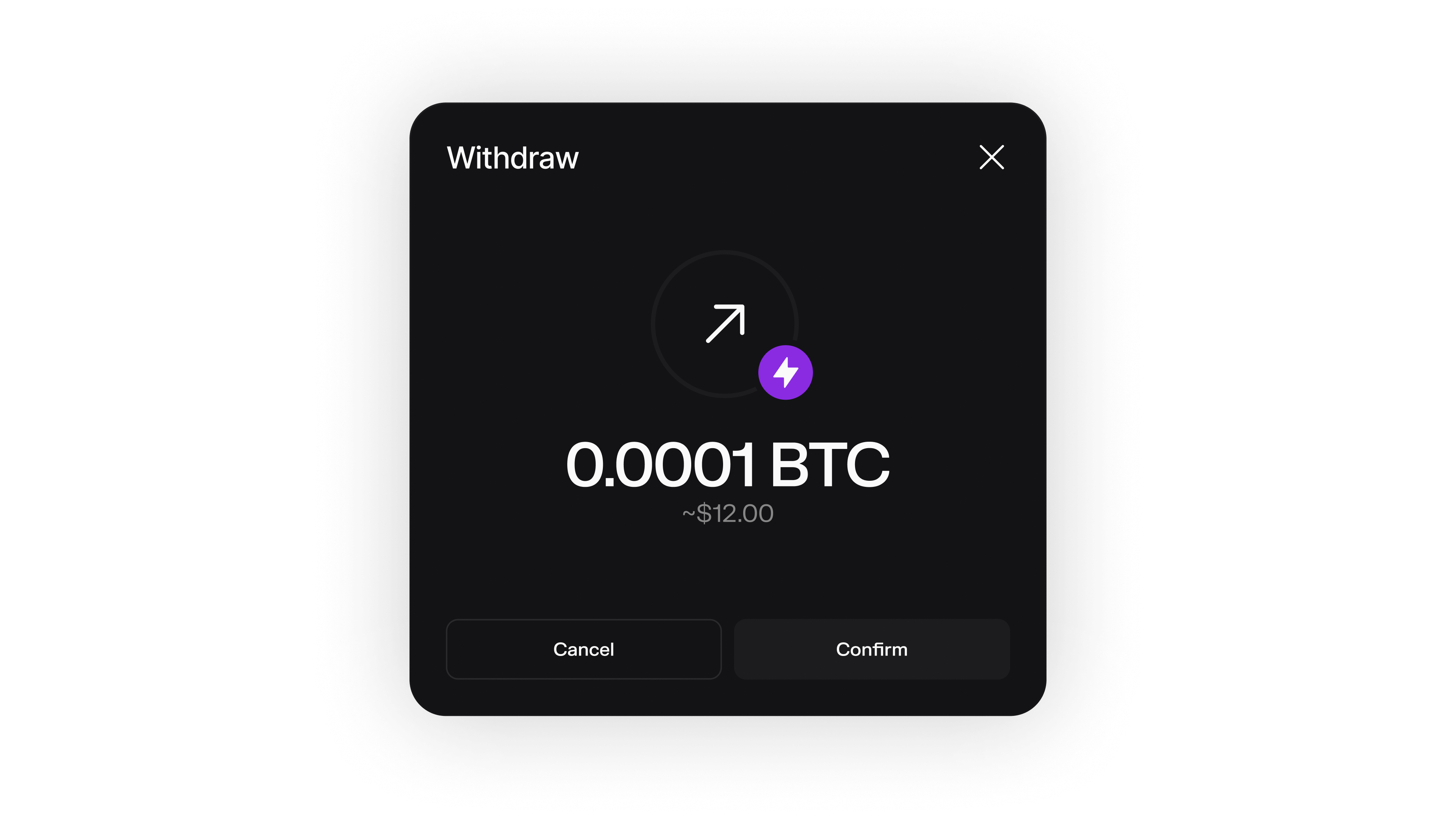
Pay any Lightning invoice directly from your Spark wallet.
 ***
## Lightning Withdrawal Flow
The complete process for withdrawing Bitcoin from Spark to the Lightning Network:
Obtain a Lightning invoice from the recipient or Lightning service.
```typescript theme={null}
// Example Lightning invoice
const invoice = "lnbcrt1u1pnm7ammpp4v84f05tl0kzt6g95g056athdpp8f8azvg6d7epz74z562ymer9jqsp5nc50gazvp0e98u42jlu653rw0eutcl067nqq924hf89q4la4kd9sxq9z0rgqnp4qdnmwu8v22cvq9xsv2l05cn9rre7xlcgdtntxawf8m0zxq3qemgzqrzjqtr2vd60g57hu63rdqk87u3clac6jlfhej4kldrrjvfcw3mphcw8sqqqqrj0q7ew45qqqqqqqqqqqqqq9qcqzpgdq5w3jhxapqd9h8vmmfvdjs9qyyssqj7lf2w4m587g04n4t0ferdv0vnwftzca0xuc9yxycng78cnhrvmyw2mzaa8t76jskpypqnwqhp9xh0vnwxz90jytd34vrmhcngsnl8qplz7ylk";
console.log("Lightning invoice:", invoice);
```
Get a fee estimate for the Lightning payment to understand costs.
```typescript theme={null}
const feeEstimate = await wallet.getLightningSendFeeEstimate({
encodedInvoice: invoice
});
console.log("Fee estimate:", feeEstimate);
```
Send the Lightning payment with appropriate fee limits.
```typescript theme={null}
const payment = await wallet.payLightningInvoice({
invoice: invoice,
maxFeeSats: 5, // Maximum fee to pay
preferSpark: true // Prefer Spark transfers when possible
});
console.log("Payment initiated:", payment);
```
Track the payment status until completion.
```typescript theme={null}
const paymentStatus = await wallet.getLightningSendRequest(payment.id);
console.log("Payment status:", paymentStatus.status);
```
***
## Pay Lightning Invoice
Send Bitcoin from your Spark wallet to any Lightning Network invoice.
payLightningInvoice(params)
Pays a Lightning invoice using your Spark wallet balance.
```typescript theme={null}
const payment = await wallet.payLightningInvoice({
invoice: "lnbcrt1u1pnm7ammpp4v84f05tl0kzt6g95g056athdpp8f8azvg6d7epz74z562ymer9jqsp5nc50gazvp0e98u42jlu653rw0eutcl067nqq924hf89q4la4kd9sxq9z0rgqnp4qdnmwu8v22cvq9xsv2l05cn9rre7xlcgdtntxawf8m0zxq3qemgzqrzjqtr2vd60g57hu63rdqk87u3clac6jlfhej4kldrrjvfcw3mphcw8sqqqqrj0q7ew45qqqqqqqqqqqqqq9qcqzpgdq5w3jhxapqd9h8vmmfvdjs9qyyssqj7lf2w4m587g04n4t0ferdv0vnwftzca0xuc9yxycng78cnhrvmyw2mzaa8t76jskpypqnwqhp9xh0vnwxz90jytd34vrmhcngsnl8qplz7ylk",
maxFeeSats: 5,
preferSpark: true,
amountSatsToSend: 1000 // Only for zero-amount invoices
});
console.log("Payment Response:", payment);
```
The BOLT11-encoded Lightning invoice to pay
Maximum fee in satoshis to pay for the invoice
When true, Spark wallets will initiate a Spark transfer instead of a Lightning transfer if a valid Spark address is found in the invoice
Amount in satoshis to send (only used for zero-amount invoices)
The Lightning payment request details including ID and status
***
## Get Fee Estimate
Estimate the fees for a Lightning payment before sending.
getLightningSendFeeEstimate(params)
Gets an estimated fee for sending a Lightning payment.
```typescript theme={null}
const feeEstimate = await wallet.getLightningSendFeeEstimate({
encodedInvoice: "lnbcrt1u1pnm7ammpp4v84f05tl0kzt6g95g056athdpp8f8azvg6d7epz74z562ymer9jqsp5nc50gazvp0e98u42jlu653rw0eutcl067nqq924hf89q4la4kd9sxq9z0rgqnp4qdnmwu8v22cvq9xsv2l05cn9rre7xlcgdtntxawf8m0zxq3qemgzqrzjqtr2vd60g57hu63rdqk87u3clac6jlfhej4kldrrjvfcw3mphcw8sqqqqrj0q7ew45qqqqqqqqqqqqqq9qcqzpgdq5w3jhxapqd9h8vmmfvdjs9qyyssqj7lf2w4m587g04n4t0ferdv0vnwftzca0xuc9yxycng78cnhrvmyw2mzaa8t76jskpypqnwqhp9xh0vnwxz90jytd34vrmhcngsnl8qplz7ylk"
});
console.log("Estimated fee:", feeEstimate);
```
The BOLT11-encoded Lightning invoice
The estimated fee for the Lightning payment
***
## Monitor Payment Status
Track the status of your Lightning payment.
getLightningSendRequest(id)
Gets a Lightning send request by ID to check payment status.
```typescript theme={null}
const paymentStatus = await wallet.getLightningSendRequest(paymentId);
console.log("Payment status:", paymentStatus.status);
console.log("Payment amount:", paymentStatus.amountSats);
// Check if payment is complete
if (paymentStatus.status === "TRANSFER_COMPLETED") {
console.log("Payment completed successfully!");
}
```
The ID of the Lightning send request
The Lightning send request details including status and amount
***
## Zero-Amount Invoices
Spark supports paying zero-amount Lightning invoices, which allow you to specify the amount when making the payment.
Zero-amount invoices are not widely supported across the Lightning Network. Some exchanges, such as Binance, currently do not support them.
### Paying Zero-Amount Invoices
When paying a zero-amount invoice, you need to specify the amount using the `amountSatsToSend` parameter:
```typescript theme={null}
// Pay a zero-amount invoice with a specific amount
const payment = await wallet.payLightningInvoice({
invoice: "lnbc...", // Zero-amount Lightning invoice
maxFeeSats: 5,
amountSatsToSend: 1000, // Specify the amount to send (in satoshis)
});
console.log("Zero-amount Payment Response:", payment);
```
The `amountSatsToSend` parameter is only used for zero-amount invoices. For regular invoices with a fixed amount, this parameter is ignored.
***
## Spark Transfer Preference
When paying Lightning invoices, you can enable Spark transfer preference to automatically use Spark transfers when possible.
```typescript theme={null}
// Pay with Spark preference enabled
const payment = await wallet.payLightningInvoice({
invoice: "lnbc...", // Lightning invoice (potentially with embedded Spark address)
maxFeeSats: 5,
preferSpark: true, // Defaults to false
});
console.log("Payment Response:", payment);
```
When `preferSpark` is set to `true`, Spark wallets will:
* Initiate a Spark transfer instead of a Lightning transfer if a valid Spark address is found in the invoice
* Fall back to regular Lightning payment if no Spark address is found
***
## Real-time Payment Monitoring
Monitor Lightning payment status by polling.
The `transfer:claimed` event does **not** fire for outgoing Lightning payments. Use `getLightningSendRequest()` to poll payment status.
```typescript theme={null}
// For outgoing Lightning payments, poll the status:
const checkPaymentStatus = async (paymentId) => {
const paymentStatus = await wallet.getLightningSendRequest(paymentId);
switch (paymentStatus.status) {
case "TRANSFER_COMPLETED":
console.log("Lightning payment completed!");
return true;
case "TRANSFER_FAILED":
console.log("Lightning payment failed");
return false;
default:
console.log("Lightning payment pending...");
setTimeout(() => checkPaymentStatus(paymentId), 5000); // Check again in 5 seconds
return false;
}
};
// For INCOMING transfers/deposits, use events:
wallet.on("transfer:claimed", (transferId, updatedBalance) => {
console.log(`Incoming transfer ${transferId} claimed. New balance: ${updatedBalance} sats`);
});
```
***
## Fee Recommendations
We recommend setting the maximum routing fee to whichever is greater:
* **5 sats** (minimum fee)
* **17 bps × transaction amount** (0.17% of the transaction)
```typescript theme={null}
// Calculate recommended fee
const amountSats = 10000; // Your payment amount
const recommendedFee = Math.max(5, Math.ceil(amountSats * 0.0017)); // 17 bps = 0.17%
const payment = await wallet.payLightningInvoice({
invoice: "lnbc...",
maxFeeSats: recommendedFee
});
```
***
## Lightning Withdrawal Flow
The complete process for withdrawing Bitcoin from Spark to the Lightning Network:
Obtain a Lightning invoice from the recipient or Lightning service.
```typescript theme={null}
// Example Lightning invoice
const invoice = "lnbcrt1u1pnm7ammpp4v84f05tl0kzt6g95g056athdpp8f8azvg6d7epz74z562ymer9jqsp5nc50gazvp0e98u42jlu653rw0eutcl067nqq924hf89q4la4kd9sxq9z0rgqnp4qdnmwu8v22cvq9xsv2l05cn9rre7xlcgdtntxawf8m0zxq3qemgzqrzjqtr2vd60g57hu63rdqk87u3clac6jlfhej4kldrrjvfcw3mphcw8sqqqqrj0q7ew45qqqqqqqqqqqqqq9qcqzpgdq5w3jhxapqd9h8vmmfvdjs9qyyssqj7lf2w4m587g04n4t0ferdv0vnwftzca0xuc9yxycng78cnhrvmyw2mzaa8t76jskpypqnwqhp9xh0vnwxz90jytd34vrmhcngsnl8qplz7ylk";
console.log("Lightning invoice:", invoice);
```
Get a fee estimate for the Lightning payment to understand costs.
```typescript theme={null}
const feeEstimate = await wallet.getLightningSendFeeEstimate({
encodedInvoice: invoice
});
console.log("Fee estimate:", feeEstimate);
```
Send the Lightning payment with appropriate fee limits.
```typescript theme={null}
const payment = await wallet.payLightningInvoice({
invoice: invoice,
maxFeeSats: 5, // Maximum fee to pay
preferSpark: true // Prefer Spark transfers when possible
});
console.log("Payment initiated:", payment);
```
Track the payment status until completion.
```typescript theme={null}
const paymentStatus = await wallet.getLightningSendRequest(payment.id);
console.log("Payment status:", paymentStatus.status);
```
***
## Pay Lightning Invoice
Send Bitcoin from your Spark wallet to any Lightning Network invoice.
payLightningInvoice(params)
Pays a Lightning invoice using your Spark wallet balance.
```typescript theme={null}
const payment = await wallet.payLightningInvoice({
invoice: "lnbcrt1u1pnm7ammpp4v84f05tl0kzt6g95g056athdpp8f8azvg6d7epz74z562ymer9jqsp5nc50gazvp0e98u42jlu653rw0eutcl067nqq924hf89q4la4kd9sxq9z0rgqnp4qdnmwu8v22cvq9xsv2l05cn9rre7xlcgdtntxawf8m0zxq3qemgzqrzjqtr2vd60g57hu63rdqk87u3clac6jlfhej4kldrrjvfcw3mphcw8sqqqqrj0q7ew45qqqqqqqqqqqqqq9qcqzpgdq5w3jhxapqd9h8vmmfvdjs9qyyssqj7lf2w4m587g04n4t0ferdv0vnwftzca0xuc9yxycng78cnhrvmyw2mzaa8t76jskpypqnwqhp9xh0vnwxz90jytd34vrmhcngsnl8qplz7ylk",
maxFeeSats: 5,
preferSpark: true,
amountSatsToSend: 1000 // Only for zero-amount invoices
});
console.log("Payment Response:", payment);
```
The BOLT11-encoded Lightning invoice to pay
Maximum fee in satoshis to pay for the invoice
When true, Spark wallets will initiate a Spark transfer instead of a Lightning transfer if a valid Spark address is found in the invoice
Amount in satoshis to send (only used for zero-amount invoices)
The Lightning payment request details including ID and status
***
## Get Fee Estimate
Estimate the fees for a Lightning payment before sending.
getLightningSendFeeEstimate(params)
Gets an estimated fee for sending a Lightning payment.
```typescript theme={null}
const feeEstimate = await wallet.getLightningSendFeeEstimate({
encodedInvoice: "lnbcrt1u1pnm7ammpp4v84f05tl0kzt6g95g056athdpp8f8azvg6d7epz74z562ymer9jqsp5nc50gazvp0e98u42jlu653rw0eutcl067nqq924hf89q4la4kd9sxq9z0rgqnp4qdnmwu8v22cvq9xsv2l05cn9rre7xlcgdtntxawf8m0zxq3qemgzqrzjqtr2vd60g57hu63rdqk87u3clac6jlfhej4kldrrjvfcw3mphcw8sqqqqrj0q7ew45qqqqqqqqqqqqqq9qcqzpgdq5w3jhxapqd9h8vmmfvdjs9qyyssqj7lf2w4m587g04n4t0ferdv0vnwftzca0xuc9yxycng78cnhrvmyw2mzaa8t76jskpypqnwqhp9xh0vnwxz90jytd34vrmhcngsnl8qplz7ylk"
});
console.log("Estimated fee:", feeEstimate);
```
The BOLT11-encoded Lightning invoice
The estimated fee for the Lightning payment
***
## Monitor Payment Status
Track the status of your Lightning payment.
getLightningSendRequest(id)
Gets a Lightning send request by ID to check payment status.
```typescript theme={null}
const paymentStatus = await wallet.getLightningSendRequest(paymentId);
console.log("Payment status:", paymentStatus.status);
console.log("Payment amount:", paymentStatus.amountSats);
// Check if payment is complete
if (paymentStatus.status === "TRANSFER_COMPLETED") {
console.log("Payment completed successfully!");
}
```
The ID of the Lightning send request
The Lightning send request details including status and amount
***
## Zero-Amount Invoices
Spark supports paying zero-amount Lightning invoices, which allow you to specify the amount when making the payment.
Zero-amount invoices are not widely supported across the Lightning Network. Some exchanges, such as Binance, currently do not support them.
### Paying Zero-Amount Invoices
When paying a zero-amount invoice, you need to specify the amount using the `amountSatsToSend` parameter:
```typescript theme={null}
// Pay a zero-amount invoice with a specific amount
const payment = await wallet.payLightningInvoice({
invoice: "lnbc...", // Zero-amount Lightning invoice
maxFeeSats: 5,
amountSatsToSend: 1000, // Specify the amount to send (in satoshis)
});
console.log("Zero-amount Payment Response:", payment);
```
The `amountSatsToSend` parameter is only used for zero-amount invoices. For regular invoices with a fixed amount, this parameter is ignored.
***
## Spark Transfer Preference
When paying Lightning invoices, you can enable Spark transfer preference to automatically use Spark transfers when possible.
```typescript theme={null}
// Pay with Spark preference enabled
const payment = await wallet.payLightningInvoice({
invoice: "lnbc...", // Lightning invoice (potentially with embedded Spark address)
maxFeeSats: 5,
preferSpark: true, // Defaults to false
});
console.log("Payment Response:", payment);
```
When `preferSpark` is set to `true`, Spark wallets will:
* Initiate a Spark transfer instead of a Lightning transfer if a valid Spark address is found in the invoice
* Fall back to regular Lightning payment if no Spark address is found
***
## Real-time Payment Monitoring
Monitor Lightning payment status by polling.
The `transfer:claimed` event does **not** fire for outgoing Lightning payments. Use `getLightningSendRequest()` to poll payment status.
```typescript theme={null}
// For outgoing Lightning payments, poll the status:
const checkPaymentStatus = async (paymentId) => {
const paymentStatus = await wallet.getLightningSendRequest(paymentId);
switch (paymentStatus.status) {
case "TRANSFER_COMPLETED":
console.log("Lightning payment completed!");
return true;
case "TRANSFER_FAILED":
console.log("Lightning payment failed");
return false;
default:
console.log("Lightning payment pending...");
setTimeout(() => checkPaymentStatus(paymentId), 5000); // Check again in 5 seconds
return false;
}
};
// For INCOMING transfers/deposits, use events:
wallet.on("transfer:claimed", (transferId, updatedBalance) => {
console.log(`Incoming transfer ${transferId} claimed. New balance: ${updatedBalance} sats`);
});
```
***
## Fee Recommendations
We recommend setting the maximum routing fee to whichever is greater:
* **5 sats** (minimum fee)
* **17 bps × transaction amount** (0.17% of the transaction)
```typescript theme={null}
// Calculate recommended fee
const amountSats = 10000; // Your payment amount
const recommendedFee = Math.max(5, Math.ceil(amountSats * 0.0017)); // 17 bps = 0.17%
const payment = await wallet.payLightningInvoice({
invoice: "lnbc...",
maxFeeSats: recommendedFee
});
```