> ## Documentation Index
> Fetch the complete documentation index at: https://docs.spark.money/llms.txt
> Use this file to discover all available pages before exploring further.
# Deposit from L1
export const Method = ({children, className = ""}) => {
return
{children}
;
};
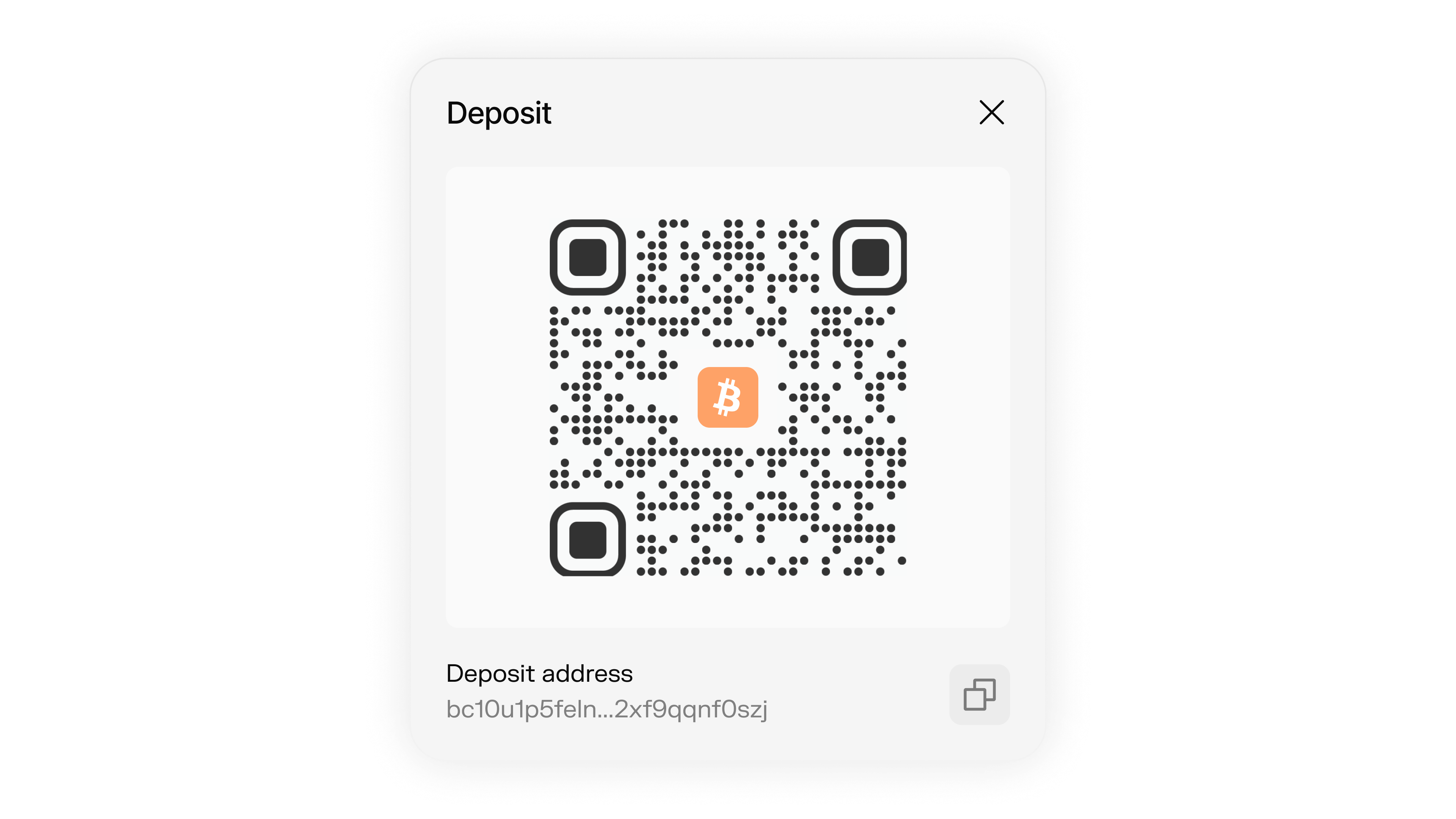
Deposit Bitcoin from L1 using reusable static addresses.
 ***
## Deposit Flow
The complete process for receiving on-chain Bitcoin into a Spark wallet:
Create a static deposit address that can be reused for multiple deposits.
```typescript theme={null}
const staticAddress = await wallet.getStaticDepositAddress();
console.log("Static Deposit Address:", staticAddress);
```
Send Bitcoin from any wallet to your deposit address.
```typescript theme={null}
// For mainnet: Send real Bitcoin to the address
// For regtest: Use the faucet
console.log("Send Bitcoin to:", staticAddress);
```
Wait for the transaction to be confirmed on the blockchain.
```typescript theme={null}
// Monitor using a block explorer or your infrastructure
// You need to monitor the address for new transactions
```
Claim the deposit once it has 3 confirmations.
```typescript theme={null}
const quote = await wallet.getClaimStaticDepositQuote(txId);
const claimResult = await wallet.claimStaticDeposit({
transactionId: txId,
creditAmountSats: quote.creditAmountSats,
sspSignature: quote.signature
});
```
***
## Generate Static Deposit Address
For Bitcoin deposits on L1, Spark generates P2TR addresses. These addresses start with `bc1p...` on mainnet, `tb1p...` on testnet/signet, and `bcrt1p...` on regtest/local.
Static deposit addresses are reusable, allowing the same address to receive multiple deposits. This approach is user-friendly, minimizes operational overhead, and is ideal for production applications.
```typescript theme={null}
const staticDepositAddress = await wallet.getStaticDepositAddress();
console.log("Static Deposit Address:", staticDepositAddress);
// This address can be reused for multiple deposits
```
**Mainnet Address Example**
`bc1p5d7rjq7g6rdk2yhzks9smtbqtedr4dekq08ge8ztwac72sfr9rusxg3297`
***
## Deposit Bitcoin
#### Mainnet Deposits
To deposit Bitcoin on the mainnet, send funds to your static deposit address.
#### Regtest Deposits
For testing purposes on the Regtest network, use the faucet to fund your Spark wallet without using real Bitcoin.
If you have custom L1 requirements like confirmation thresholds, transaction chaining, or specific coin selection, [talk to our team](https://www.spark.money/contact). We can expose lower-level controls to fit your infrastructure needs.
## Monitor for Deposit Transactions
After sending Bitcoin to your deposit address, you'll need to monitor for incoming transactions using a blockchain explorer or your own infrastructure.
```typescript theme={null}
const staticAddress = await wallet.getStaticDepositAddress();
// Example: Monitor for new transactions using a block explorer API
// const newTransactions = await yourBlockchainMonitor.checkAddress(staticAddress);
```
Since static addresses can receive multiple deposits, you need to actively monitor the address for new transactions.
***
## Claiming Deposits
Once a deposit is found on the blockchain, you can claim it by providing the transaction ID.
```typescript theme={null}
// Step 1: Get a quote for your deposit (can be called anytime after transaction)
const quote = await wallet.getClaimStaticDepositQuote(txId);
console.log("Quote:", quote);
// Step 2: Claim the deposit using the quote details
const claimResult = await wallet.claimStaticDeposit({
transactionId: txId,
creditAmountSats: quote.creditAmountSats,
sspSignature: quote.signature
});
console.log("Claim successful:", claimResult);
```
You can call `getClaimStaticDepositQuote` anytime after the deposit transaction is made, but `claimStaticDeposit` will only succeed after the deposit transaction has 3 confirmations. If you'd like to receive faster, [get in touch](https://www.spark.money/contact). We can do 0-1 conf as well.
***
## Sending Back to L1
Since your Spark wallet has a standard Bitcoin address, you can also send funds back on-chain without claiming them into Spark first:
```typescript theme={null}
// Refund a static deposit
const refundTxHex = await wallet.refundStaticDeposit({
depositTransactionId: txId,
destinationAddress: "bc1p...",
satsPerVbyteFee: 10
});
// You'll need to broadcast this transaction yourself
console.log("Refund transaction hex:", refundTxHex);
// Or use refundAndBroadcastStaticDeposit to broadcast automatically
const txid = await wallet.refundAndBroadcastStaticDeposit({
depositTransactionId: txId,
destinationAddress: "bc1p...",
satsPerVbyteFee: 10
});
```
**When to use this:**
* You want to forward funds to another Bitcoin address directly
* You'd rather skip the claim fee
* You're using Spark as a receiving address but want to settle on L1
## Confirmation Requirements
* By default, deposits require **3 confirmations** on L1
* 0-1 confirmation deposits are available. [Get in touch](https://www.spark.money/contact) to enable faster settlement
* Funds will be available in your Spark wallet after claiming
## Minimum Deposit Amount
The minimum deposit must exceed the dust limit plus fees:
* **Dust limit:** \~400 sats
* **Claim fee:** \~99 sats (varies with network conditions)
Deposits below \~500 sats may fail with "utxo amount minus fees is less than the dust amount".
**Important:** Static deposits do NOT auto-claim when your wallet is offline. If a deposit confirms while your wallet instance is not running, you must manually claim it using `claimStaticDeposit()` with the transaction ID when you next initialize the wallet.
***
## Deposit Flow
The complete process for receiving on-chain Bitcoin into a Spark wallet:
Create a static deposit address that can be reused for multiple deposits.
```typescript theme={null}
const staticAddress = await wallet.getStaticDepositAddress();
console.log("Static Deposit Address:", staticAddress);
```
Send Bitcoin from any wallet to your deposit address.
```typescript theme={null}
// For mainnet: Send real Bitcoin to the address
// For regtest: Use the faucet
console.log("Send Bitcoin to:", staticAddress);
```
Wait for the transaction to be confirmed on the blockchain.
```typescript theme={null}
// Monitor using a block explorer or your infrastructure
// You need to monitor the address for new transactions
```
Claim the deposit once it has 3 confirmations.
```typescript theme={null}
const quote = await wallet.getClaimStaticDepositQuote(txId);
const claimResult = await wallet.claimStaticDeposit({
transactionId: txId,
creditAmountSats: quote.creditAmountSats,
sspSignature: quote.signature
});
```
***
## Generate Static Deposit Address
For Bitcoin deposits on L1, Spark generates P2TR addresses. These addresses start with `bc1p...` on mainnet, `tb1p...` on testnet/signet, and `bcrt1p...` on regtest/local.
Static deposit addresses are reusable, allowing the same address to receive multiple deposits. This approach is user-friendly, minimizes operational overhead, and is ideal for production applications.
```typescript theme={null}
const staticDepositAddress = await wallet.getStaticDepositAddress();
console.log("Static Deposit Address:", staticDepositAddress);
// This address can be reused for multiple deposits
```
**Mainnet Address Example**
`bc1p5d7rjq7g6rdk2yhzks9smtbqtedr4dekq08ge8ztwac72sfr9rusxg3297`
***
## Deposit Bitcoin
#### Mainnet Deposits
To deposit Bitcoin on the mainnet, send funds to your static deposit address.
#### Regtest Deposits
For testing purposes on the Regtest network, use the faucet to fund your Spark wallet without using real Bitcoin.
If you have custom L1 requirements like confirmation thresholds, transaction chaining, or specific coin selection, [talk to our team](https://www.spark.money/contact). We can expose lower-level controls to fit your infrastructure needs.
## Monitor for Deposit Transactions
After sending Bitcoin to your deposit address, you'll need to monitor for incoming transactions using a blockchain explorer or your own infrastructure.
```typescript theme={null}
const staticAddress = await wallet.getStaticDepositAddress();
// Example: Monitor for new transactions using a block explorer API
// const newTransactions = await yourBlockchainMonitor.checkAddress(staticAddress);
```
Since static addresses can receive multiple deposits, you need to actively monitor the address for new transactions.
***
## Claiming Deposits
Once a deposit is found on the blockchain, you can claim it by providing the transaction ID.
```typescript theme={null}
// Step 1: Get a quote for your deposit (can be called anytime after transaction)
const quote = await wallet.getClaimStaticDepositQuote(txId);
console.log("Quote:", quote);
// Step 2: Claim the deposit using the quote details
const claimResult = await wallet.claimStaticDeposit({
transactionId: txId,
creditAmountSats: quote.creditAmountSats,
sspSignature: quote.signature
});
console.log("Claim successful:", claimResult);
```
You can call `getClaimStaticDepositQuote` anytime after the deposit transaction is made, but `claimStaticDeposit` will only succeed after the deposit transaction has 3 confirmations. If you'd like to receive faster, [get in touch](https://www.spark.money/contact). We can do 0-1 conf as well.
***
## Sending Back to L1
Since your Spark wallet has a standard Bitcoin address, you can also send funds back on-chain without claiming them into Spark first:
```typescript theme={null}
// Refund a static deposit
const refundTxHex = await wallet.refundStaticDeposit({
depositTransactionId: txId,
destinationAddress: "bc1p...",
satsPerVbyteFee: 10
});
// You'll need to broadcast this transaction yourself
console.log("Refund transaction hex:", refundTxHex);
// Or use refundAndBroadcastStaticDeposit to broadcast automatically
const txid = await wallet.refundAndBroadcastStaticDeposit({
depositTransactionId: txId,
destinationAddress: "bc1p...",
satsPerVbyteFee: 10
});
```
**When to use this:**
* You want to forward funds to another Bitcoin address directly
* You'd rather skip the claim fee
* You're using Spark as a receiving address but want to settle on L1
## Confirmation Requirements
* By default, deposits require **3 confirmations** on L1
* 0-1 confirmation deposits are available. [Get in touch](https://www.spark.money/contact) to enable faster settlement
* Funds will be available in your Spark wallet after claiming
## Minimum Deposit Amount
The minimum deposit must exceed the dust limit plus fees:
* **Dust limit:** \~400 sats
* **Claim fee:** \~99 sats (varies with network conditions)
Deposits below \~500 sats may fail with "utxo amount minus fees is less than the dust amount".
**Important:** Static deposits do NOT auto-claim when your wallet is offline. If a deposit confirms while your wallet instance is not running, you must manually claim it using `claimStaticDeposit()` with the transaction ID when you next initialize the wallet.