> ## Documentation Index
> Fetch the complete documentation index at: https://docs.spark.money/llms.txt
> Use this file to discover all available pages before exploring further.
# Balances & Activity
export const Method = ({children, className = ""}) => {
return
{children}
;
};
Query balances, view transfer history, and monitor wallet activity in real-time.
***
## Check Wallet Balance
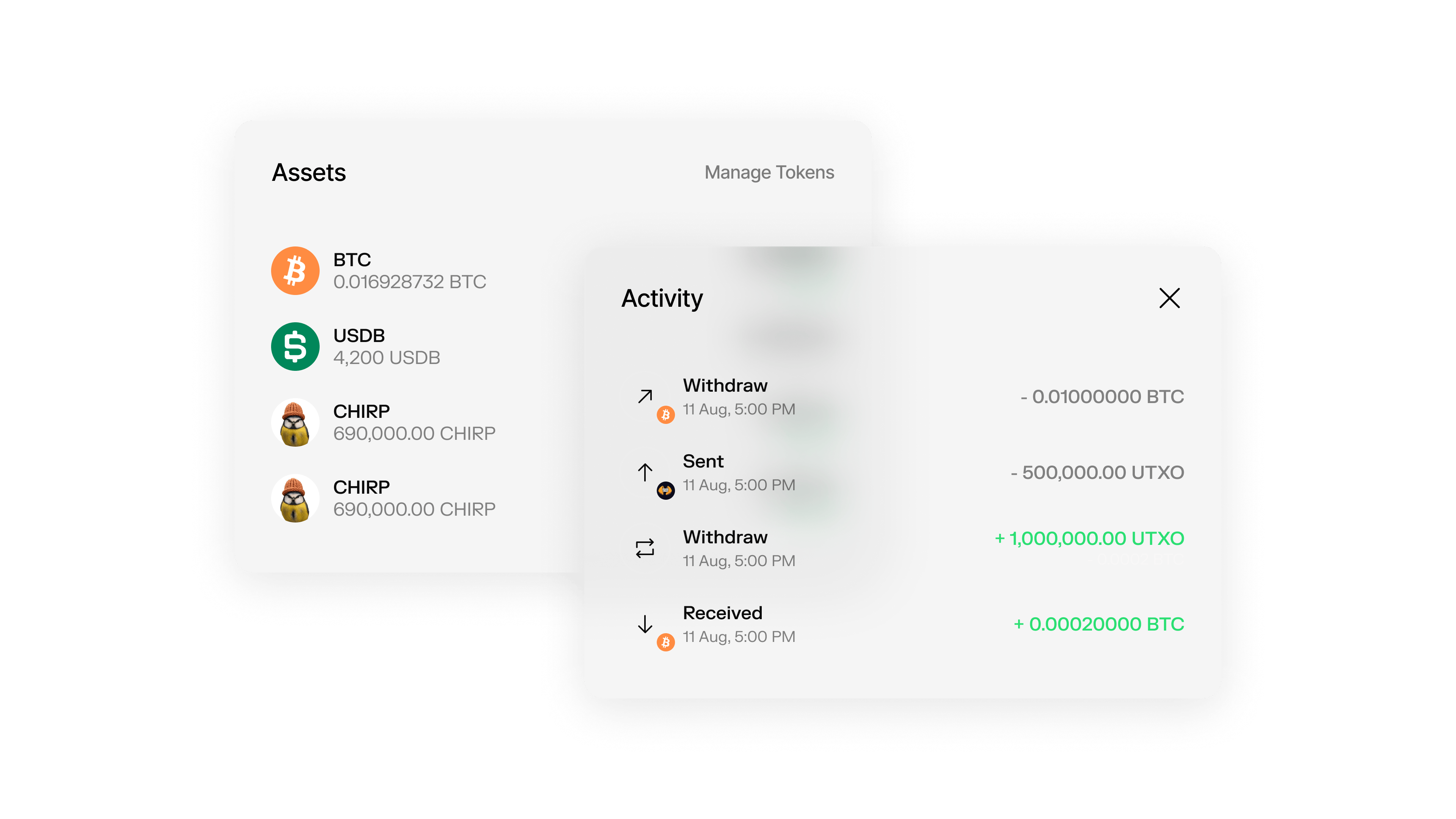
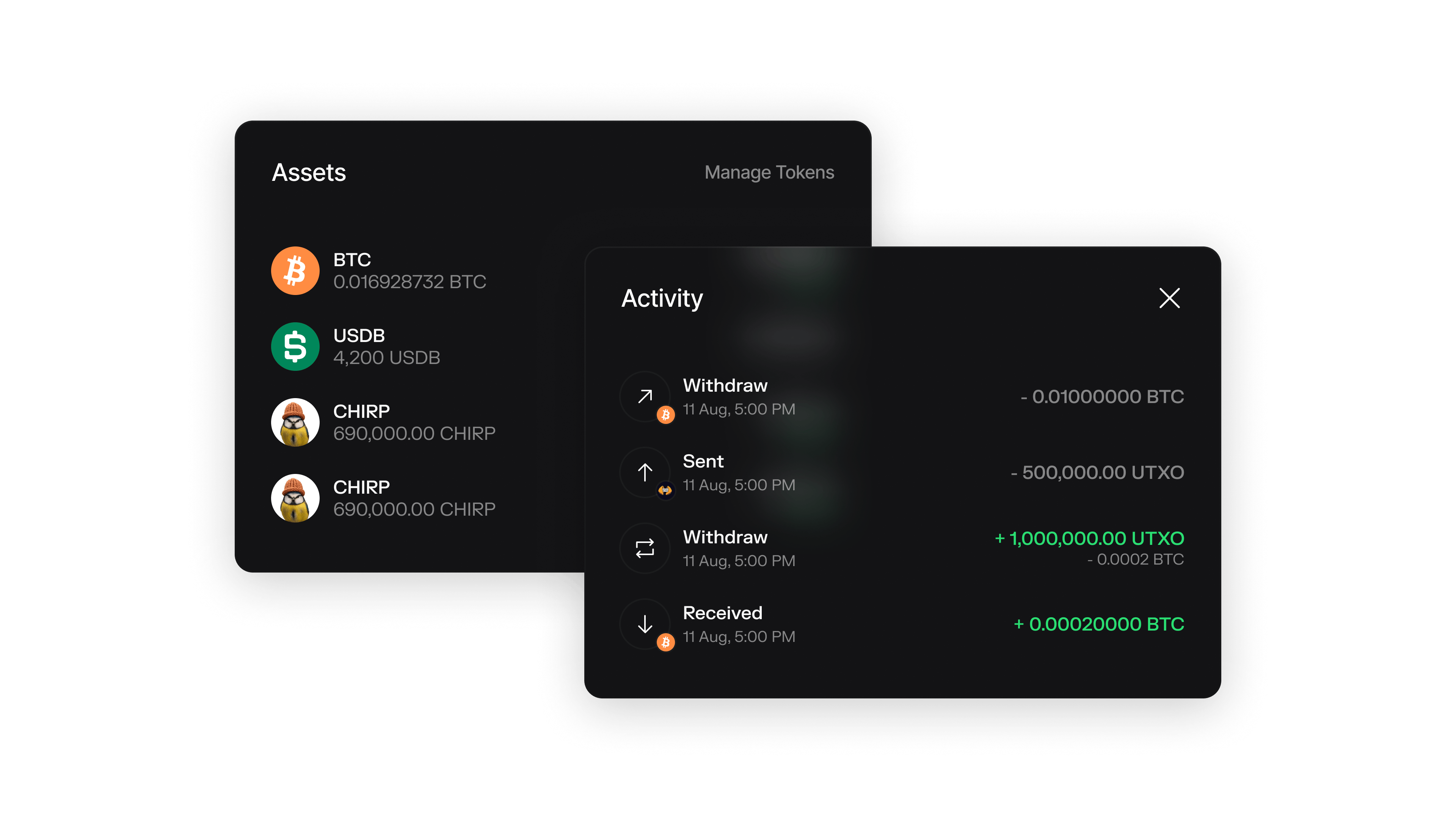
Get your current Bitcoin balance and token holdings in your Spark wallet.
getBalance()
Gets the current balance of the wallet, including Bitcoin balance and token balances.
```typescript theme={null}
const balance = await wallet.getBalance();
console.log("Balance:", balance.balance, "sats");
console.log("Token Balances:", balance.tokenBalances);
```
The wallet's current balance in satoshis
Map of Bech32m token identifiers to token balance objects. Each balance includes `ownedBalance` (total owned), `availableToSendBalance` (excludes pending transfers), and token metadata.
***
## View Transfer History
Track all incoming and outgoing transfers for your wallet with pagination support.
getTransfers(limit?, offset?)
Gets all transfers for the wallet with optional pagination.
`getTransfers()` includes Spark transfers, Lightning sends/receives, and cooperative exits. For token transaction details (e.g., sender address), use [`queryTokenTransactionsWithFilters()`](/api-reference/wallet/query-token-transactions-with-filters).
```typescript theme={null}
// Get first 20 transfers
const transfers = await wallet.getTransfers();
console.log("Transfers:", transfers.transfers);
// Get next 10 transfers with pagination
const nextTransfers = await wallet.getTransfers(10, 20);
console.log("Next page:", nextTransfers.transfers);
// Get transfers from the last 24 hours
const yesterday = new Date(Date.now() - 24 * 60 * 60 * 1000);
const recentTransfers = await wallet.getTransfers(50, 0, yesterday);
```
Maximum number of transfers to return (default: 20)
Offset for pagination (default: 0)
Only return transfers created after this date (mutually exclusive with `createdBefore`)
Only return transfers created before this date (mutually exclusive with `createdAfter`)
Array of transfer objects containing transfer details
The offset used for this request
***
## Real-time Event Monitoring
Monitor wallet activity in real-time using EventEmitter methods for instant updates.
on(event, listener)
Adds a listener for the specified event to monitor wallet activity.
```typescript theme={null}
// Listen for incoming transfer claims
wallet.on("transfer:claimed", (transferId, updatedBalance) => {
console.log(`Transfer ${transferId} claimed. New balance: ${updatedBalance}`);
});
// Listen for deposit confirmations (after 3 L1 confirmations)
wallet.on("deposit:confirmed", (depositId, updatedBalance) => {
console.log(`Deposit ${depositId} confirmed. New balance: ${updatedBalance}`);
});
```
The event name to listen for (e.g., "transfer:claimed", "deposit:confirmed")
The callback function to execute when the event is emitted
The SparkWallet instance for method chaining
once(event, listener)
Adds a one-time listener for the specified event.
```typescript theme={null}
// Listen for a single incoming transfer
wallet.once("transfer:claimed", (transferId, updatedBalance) => {
console.log(`Transfer ${transferId} claimed! New balance: ${updatedBalance}`);
});
```
The event name to listen for
The callback function to execute when the event is emitted
The SparkWallet instance for method chaining
off(event, listener)
Removes the specified listener from the specified event.
```typescript theme={null}
// Remove a specific listener
const handleTransfer = (transferId) => console.log(`Transfer: ${transferId}`);
wallet.on("transfer:claimed", handleTransfer);
// Later, remove the listener
wallet.off("transfer:claimed", handleTransfer);
```
The event name to remove the listener from
The specific callback function to remove
The SparkWallet instance for method chaining
***
## Available Events
Spark wallets emit various events for different types of activity:
#### Available Events
| Event | Description |
| --------------------- | --------------------------------------------------- |
| `transfer:claimed` | Emitted when an **incoming** transfer is claimed |
| `deposit:confirmed` | Emitted when a pending L1 deposit becomes spendable |
| `stream:connected` | Emitted when the event stream connects |
| `stream:disconnected` | Emitted when the stream disconnects |
| `stream:reconnecting` | Emitted when attempting to reconnect |
Events only fire for **incoming** funds. For outgoing operations (Lightning sends, withdrawals), poll the status using `getLightningSendRequest()` or `getCoopExitRequest()`.
***
## Use Sparkscan Explorer
Monitor your wallet activity using the Sparkscan block explorer for a visual interface.
Sparkscan provides a web interface to view your wallet's transaction history, balance, and activity without needing to implement the API calls yourself.
***
## Example: Complete Balance Monitoring
```typescript theme={null}
import { SparkWallet } from "@buildonspark/spark-sdk";
async function setupBalanceMonitoring() {
const { wallet } = await SparkWallet.initialize({
options: { network: "REGTEST" }
});
// Get initial balance
const balance = await wallet.getBalance();
console.log("Initial balance:", balance.balance, "sats");
// Set up event listeners
wallet.on("transfer:claimed", (transferId, newBalance) => {
console.log(`Transfer ${transferId} claimed. New balance: ${newBalance} sats`);
});
// Get recent transfers
const transfers = await wallet.getTransfers(10);
console.log("Recent transfers:", transfers.transfers);
return wallet;
}
```
 ***
## Check Wallet Balance
Get your current Bitcoin balance and token holdings in your Spark wallet.
***
## Check Wallet Balance
Get your current Bitcoin balance and token holdings in your Spark wallet.