> ## Documentation Index
> Fetch the complete documentation index at: https://docs.spark.money/llms.txt
> Use this file to discover all available pages before exploring further.
# Create a Wallet
> Create a self-custodial Bitcoin wallet on Spark, fund it, and send your first payment.
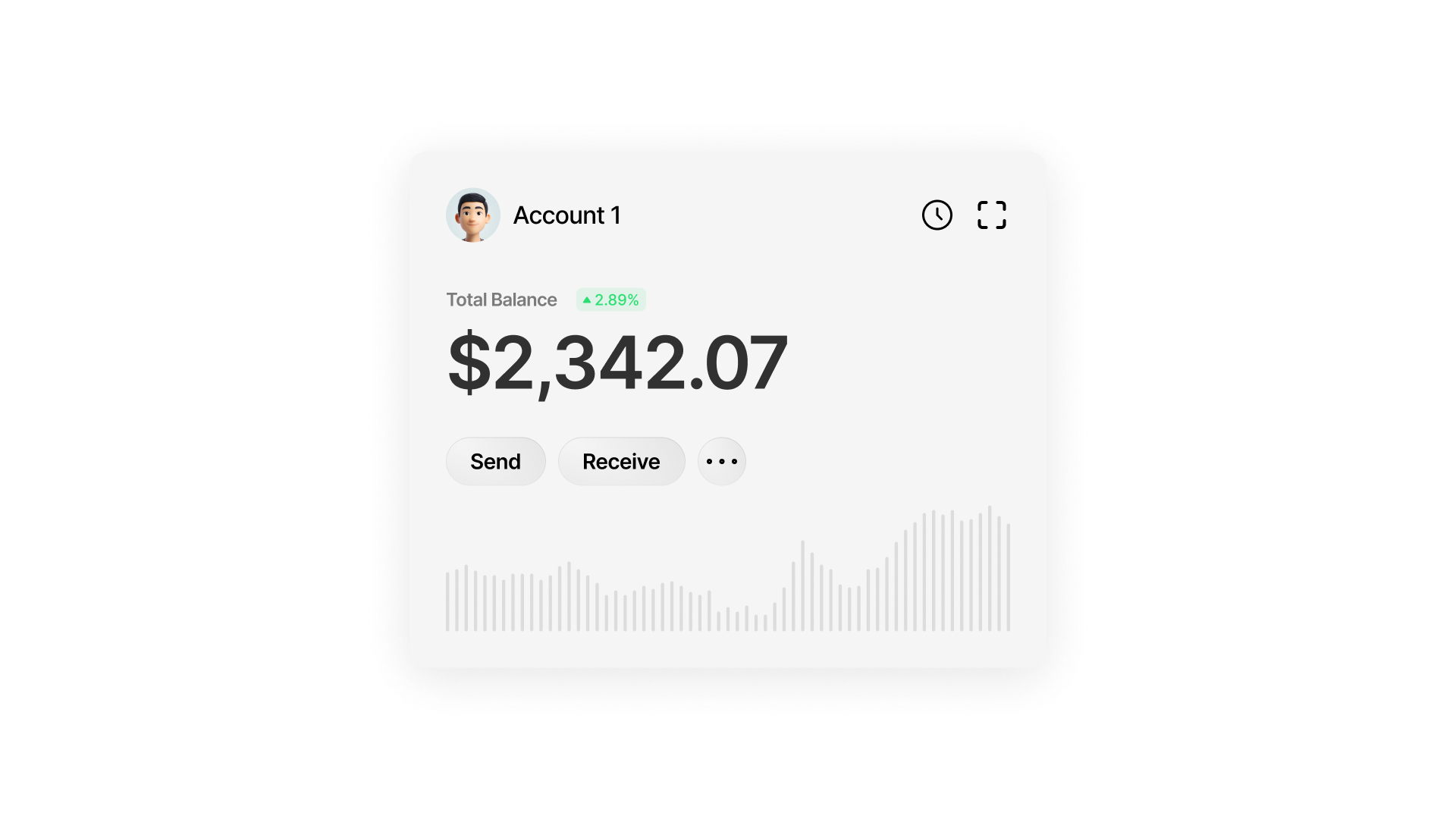
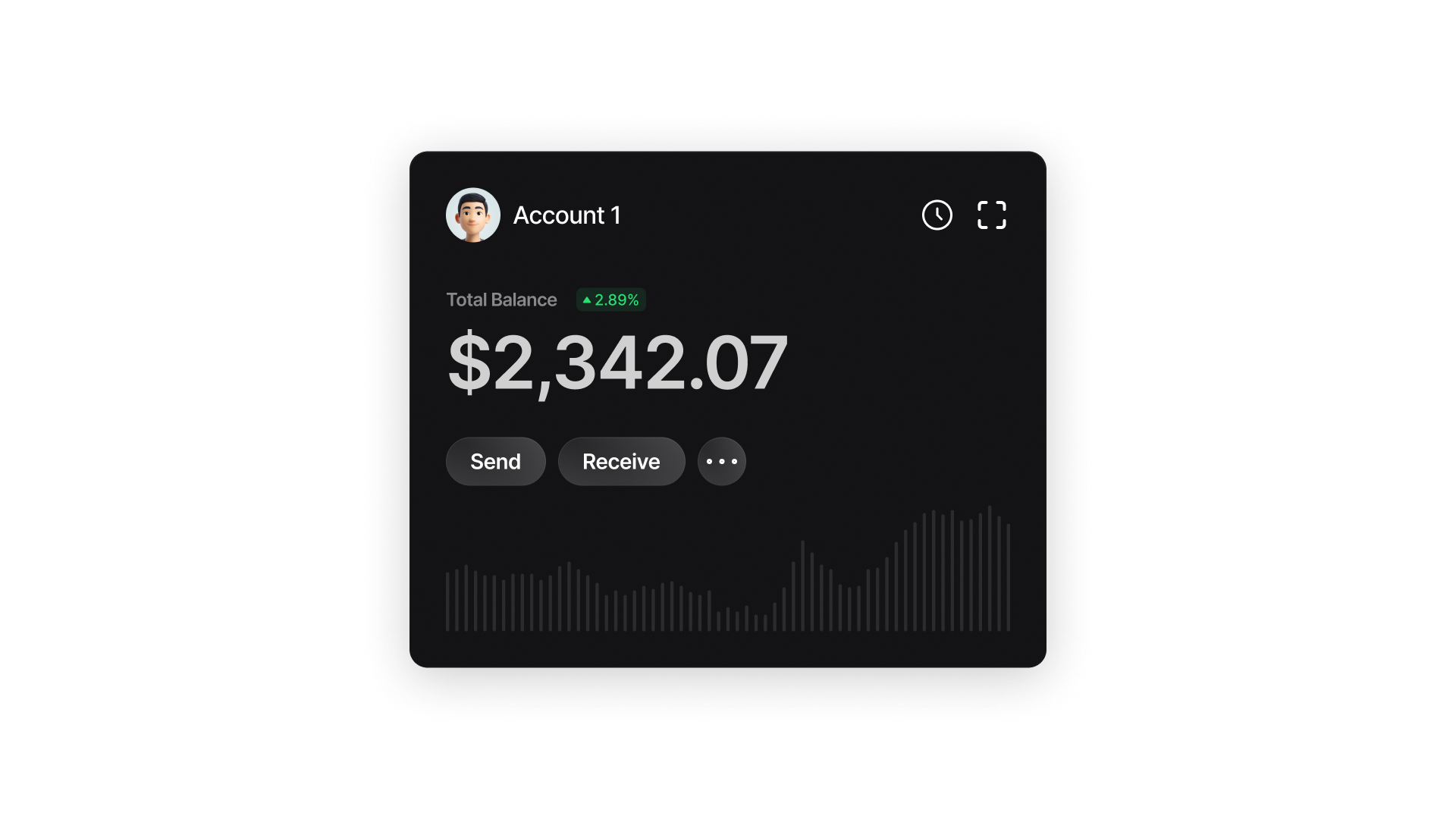 Get up and running with Spark in minutes. This quickstart guide will walk you through creating your first Spark wallet, funding it with Bitcoin, and making your first transaction on Spark.
***
Launch the Spark CLI with a single command. Requires Node.js 20+.
```bash CLI theme={null}
npx @buildonspark/cli
```
Or install it globally:
```bash CLI theme={null}
npm install -g @buildonspark/cli
spark-cli
```
Create your first wallet on Spark:
```bash CLI theme={null}
> initwallet
```
Example output:
```bash CLI theme={null}
Mnemonic: please broccoli hole unfold trigger novel marriage come invest need ostrich never
Network: REGTEST
```
Important: Keep your mnemonic securely stored offline. Anyone with access to it can take full control of your funds.
To recover an existing wallet:
```bash CLI theme={null}
> initwallet
```
Generate a static deposit address:
```bash CLI theme={null}
> getstaticdepositaddress
bcrt1pz5sxkd4eaycla7av8c9avmdleyertmhkh2zf60vrmn346wwnjayq8phsra
```
You’ll get a static Bitcoin L1 deposit address linked to your wallet, it can’t be changed. Try it out in our Regtest environment using some monopoly money from the [faucet](https://app.lightspark.com/regtest-faucet).
After depositing Bitcoin from the faucet, get the associated transaction hash:
```bash CLI theme={null}
> getlatesttx
# Example:
> getlatesttx bcrt1pz5sxkd4eaycla7av8c9avmdleyertmhkh2zf60vrmn346wwnjayq8phsra
2c5ccdc5852eb23662344c142970a1d96f2bed539a1be074cbbff65411ba3270
```
Once the transaction is confirmed on-chain, you can claim it. To claim your Bitcoin on Spark, start by requesting a quote:
```bash CLI theme={null}
> claimstaticdepositquote
# Example:
> claimstaticdepositquote 2c5ccdc5852eb23662344c142970a1d96f2bed539a1be074cbbff65411ba3270
```
With the quote info ready, you can now claim your Bitcoin.
```bash CLI theme={null}
> claimstaticdeposit
# Example:
> claimstaticdeposit 2c5ccdc5852eb23662344c142970a1d96f2bed539a1be074cbbff65411ba3270 3901 3045022100a69a1c58893947e46d4310d967c2d7e96f539e3e2656e1c76cbce1b96afc149102200a0aef9518cd0a76c9baecbf60afd52ca4c30d2d8025bcba70288a9df6a39e63
```
Verify that your balance has increased:
```bash CLI theme={null}
> getbalance
Sats Balance: 3901
```
Create a new wallet and fetch its Spark Address. The Spark Address is a static address that can be shared with payers to receive Bitcoin.
```bash CLI theme={null}
# Wallet 2
> initwallet
Mnemonic: repeat entry hazard estate normal relief pledge act online raw pull bean
Network: REGTEST
> getsparkaddress sparkrt1pgss95264kxj85cqz8g2cj5f66wy5yhhc0je35f8923de7mk8ttvls7a7x9vp9
```
Now send from Wallet 1:
```bash CLI theme={null}
# Wallet 1
> initwallet
> sendtransfer
# Example:
> sendtransfer 200 sparkrt1pgss95264kxj85cqz8g2cj5f66wy5yhhc0je35f8923de7mk8ttvls7a7x9vp9
```
That's it. The transfer’s complete. Run `getbalance` on each wallet to confirm the Bitcoin moved.
Spark is fully compatible with Lightning. Let's test it by sending a Lightning payment between our 2 wallets.
```bash CLI theme={null}
# Wallet 2 - Create invoice
> initwallet
> createinvoice
# Example:
> createinvoice 1000 Spark is awesome!
```
```bash theme={null}
# Wallet 1 - Pay invoice
> initwallet
> payinvoice
# Example:
> payinvoice lnbcrt10u1p5pqphup[...]cpkql23a 200
```
The payer specifies the maximum fee they're willing to pay for the invoice (in sats). The SDK then finds the route with the lowest possible fees but it will never exceed that limit.
Use `getbalance` on each wallet to verify the payment.
You can withdraw Bitcoin from Spark to Bitcoin by sending them to an L1 address. In this example, we’ll withdraw Bitcoin from Wallet 1 and send it to Wallet 2’s L1 address.
```bash CLI theme={null}
# Wallet 2 - Get deposit address
> initwallet
> getstaticdepositaddress
```
Check withdrawal fee:
```bash CLI theme={null}
# Wallet 1 - Check fees and withdraw
> initwallet
> withdrawalfee
# Example:
> withdrawalfee 15000 bcrt1p6tx52amnr448lv8vyr7fumqt3c2qmlkg4hgvj8swxfcz8cayukvqwk9mu6
```
If it’s acceptable:
```bash CLI theme={null}
> withdraw
# Example:
> withdraw 15000 bcrt1pslvlzmkwz8f42u8vr2fkhdhyzyh2x5cwy8l0lpdnqr4ptsjrefrq0sd0gl FAST
```
Once the transaction is confirmed, use the same claim process described above to claim your Bitcoin on Spark.
Get up and running with Spark in minutes. This quickstart guide will walk you through creating your first Spark wallet, funding it with Bitcoin, and making your first transaction on Spark.
***
Launch the Spark CLI with a single command. Requires Node.js 20+.
```bash CLI theme={null}
npx @buildonspark/cli
```
Or install it globally:
```bash CLI theme={null}
npm install -g @buildonspark/cli
spark-cli
```
Create your first wallet on Spark:
```bash CLI theme={null}
> initwallet
```
Example output:
```bash CLI theme={null}
Mnemonic: please broccoli hole unfold trigger novel marriage come invest need ostrich never
Network: REGTEST
```
Important: Keep your mnemonic securely stored offline. Anyone with access to it can take full control of your funds.
To recover an existing wallet:
```bash CLI theme={null}
> initwallet
```
Generate a static deposit address:
```bash CLI theme={null}
> getstaticdepositaddress
bcrt1pz5sxkd4eaycla7av8c9avmdleyertmhkh2zf60vrmn346wwnjayq8phsra
```
You’ll get a static Bitcoin L1 deposit address linked to your wallet, it can’t be changed. Try it out in our Regtest environment using some monopoly money from the [faucet](https://app.lightspark.com/regtest-faucet).
After depositing Bitcoin from the faucet, get the associated transaction hash:
```bash CLI theme={null}
> getlatesttx
# Example:
> getlatesttx bcrt1pz5sxkd4eaycla7av8c9avmdleyertmhkh2zf60vrmn346wwnjayq8phsra
2c5ccdc5852eb23662344c142970a1d96f2bed539a1be074cbbff65411ba3270
```
Once the transaction is confirmed on-chain, you can claim it. To claim your Bitcoin on Spark, start by requesting a quote:
```bash CLI theme={null}
> claimstaticdepositquote
# Example:
> claimstaticdepositquote 2c5ccdc5852eb23662344c142970a1d96f2bed539a1be074cbbff65411ba3270
```
With the quote info ready, you can now claim your Bitcoin.
```bash CLI theme={null}
> claimstaticdeposit
# Example:
> claimstaticdeposit 2c5ccdc5852eb23662344c142970a1d96f2bed539a1be074cbbff65411ba3270 3901 3045022100a69a1c58893947e46d4310d967c2d7e96f539e3e2656e1c76cbce1b96afc149102200a0aef9518cd0a76c9baecbf60afd52ca4c30d2d8025bcba70288a9df6a39e63
```
Verify that your balance has increased:
```bash CLI theme={null}
> getbalance
Sats Balance: 3901
```
Create a new wallet and fetch its Spark Address. The Spark Address is a static address that can be shared with payers to receive Bitcoin.
```bash CLI theme={null}
# Wallet 2
> initwallet
Mnemonic: repeat entry hazard estate normal relief pledge act online raw pull bean
Network: REGTEST
> getsparkaddress sparkrt1pgss95264kxj85cqz8g2cj5f66wy5yhhc0je35f8923de7mk8ttvls7a7x9vp9
```
Now send from Wallet 1:
```bash CLI theme={null}
# Wallet 1
> initwallet
> sendtransfer
# Example:
> sendtransfer 200 sparkrt1pgss95264kxj85cqz8g2cj5f66wy5yhhc0je35f8923de7mk8ttvls7a7x9vp9
```
That's it. The transfer’s complete. Run `getbalance` on each wallet to confirm the Bitcoin moved.
Spark is fully compatible with Lightning. Let's test it by sending a Lightning payment between our 2 wallets.
```bash CLI theme={null}
# Wallet 2 - Create invoice
> initwallet
> createinvoice
# Example:
> createinvoice 1000 Spark is awesome!
```
```bash theme={null}
# Wallet 1 - Pay invoice
> initwallet
> payinvoice
# Example:
> payinvoice lnbcrt10u1p5pqphup[...]cpkql23a 200
```
The payer specifies the maximum fee they're willing to pay for the invoice (in sats). The SDK then finds the route with the lowest possible fees but it will never exceed that limit.
Use `getbalance` on each wallet to verify the payment.
You can withdraw Bitcoin from Spark to Bitcoin by sending them to an L1 address. In this example, we’ll withdraw Bitcoin from Wallet 1 and send it to Wallet 2’s L1 address.
```bash CLI theme={null}
# Wallet 2 - Get deposit address
> initwallet
> getstaticdepositaddress
```
Check withdrawal fee:
```bash CLI theme={null}
# Wallet 1 - Check fees and withdraw
> initwallet
> withdrawalfee
# Example:
> withdrawalfee 15000 bcrt1p6tx52amnr448lv8vyr7fumqt3c2qmlkg4hgvj8swxfcz8cayukvqwk9mu6
```
If it’s acceptable:
```bash CLI theme={null}
> withdraw
# Example:
> withdraw 15000 bcrt1pslvlzmkwz8f42u8vr2fkhdhyzyh2x5cwy8l0lpdnqr4ptsjrefrq0sd0gl FAST
```
Once the transaction is confirmed, use the same claim process described above to claim your Bitcoin on Spark.