> ## Documentation Index
> Fetch the complete documentation index at: https://docs.spark.money/llms.txt
> Use this file to discover all available pages before exploring further.
# Analytics
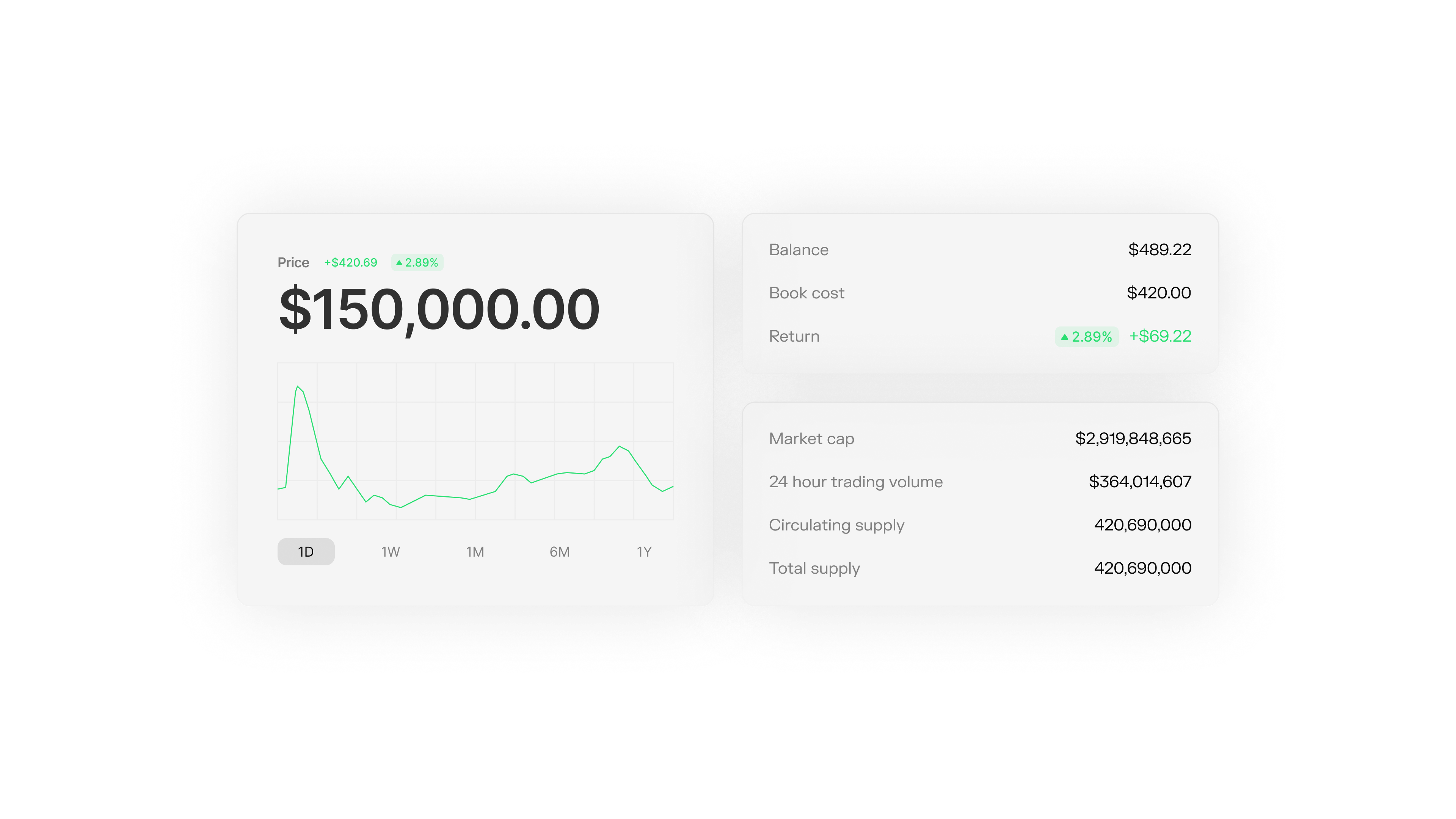
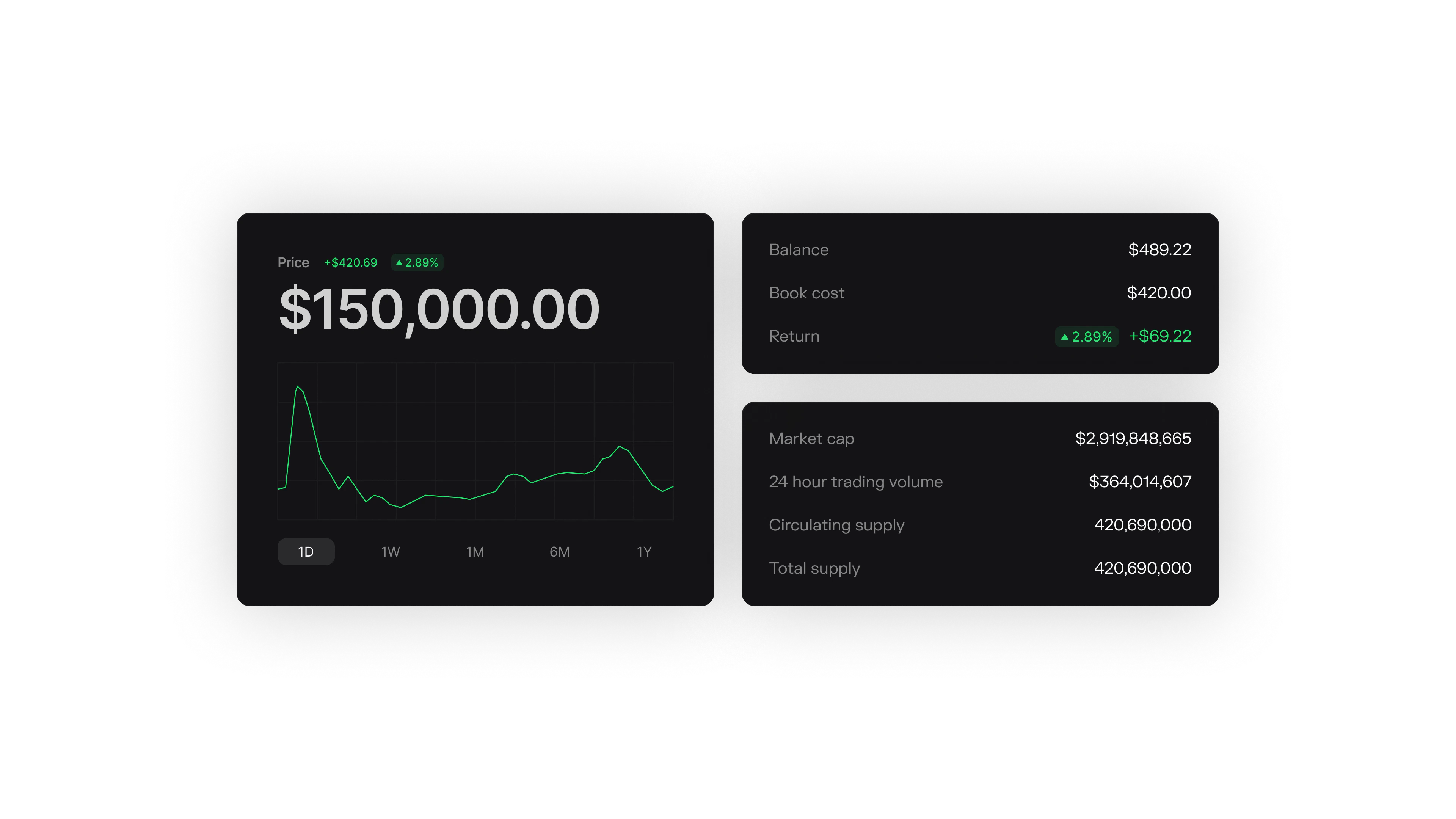
Query the full transaction history for your token. Filter by address, status, issuer key, or output ID to understand how your token moves through the network.
 ## Query Transactions
Get all transactions for your token:
```typescript theme={null}
const [tokenIdentifier] = await wallet.getIssuerTokenIdentifiers();
if (!tokenIdentifier) throw new Error("No token identifiers found for this issuer");
const response = await wallet.queryTokenTransactionsWithFilters({
tokenIdentifiers: [tokenIdentifier],
pageSize: 50,
direction: "NEXT",
});
console.log("Total transactions in page:", response.tokenTransactionsWithStatus.length);
```
## Filter by Address
Get transactions for a specific Spark address:
```typescript theme={null}
const response = await wallet.queryTokenTransactionsWithFilters({
sparkAddresses: ["spark1abc..."],
pageSize: 50,
});
```
Filter constraints can be combined (AND semantics). For example, you can filter by both `tokenIdentifiers` and `sparkAddresses` in a single request.
## Transaction Status
Each transaction has a status:
| Status | Meaning |
| :------------------------------------ | :----------------------- |
| `TOKEN_TRANSACTION_STARTED` | Created, not yet signed |
| `TOKEN_TRANSACTION_SIGNED` | Signed by all parties |
| `TOKEN_TRANSACTION_REVEALED` | Reveal stage completed |
| `TOKEN_TRANSACTION_FINALIZED` | Confirmed |
| `TOKEN_TRANSACTION_STARTED_CANCELLED` | Cancelled before signing |
| `TOKEN_TRANSACTION_SIGNED_CANCELLED` | Cancelled after signing |
Filter by status:
```typescript theme={null}
const finalized = response.tokenTransactionsWithStatus.filter(
tx => tx.status === "TOKEN_TRANSACTION_FINALIZED"
);
console.log("Completed transactions:", finalized.length);
```
## Pagination
For tokens with many transactions, use cursor pagination:
```typescript theme={null}
const [tokenIdentifier] = await wallet.getIssuerTokenIdentifiers();
if (!tokenIdentifier) throw new Error("No token identifiers found for this issuer");
const firstPage = await wallet.queryTokenTransactionsWithFilters({
tokenIdentifiers: [tokenIdentifier],
pageSize: 50,
direction: "NEXT",
});
console.log("Transactions in first page:", firstPage.tokenTransactionsWithStatus.length);
const nextCursor = firstPage.pageResponse?.nextCursor;
if (nextCursor) {
const secondPage = await wallet.queryTokenTransactionsWithFilters({
tokenIdentifiers: [tokenIdentifier],
pageSize: 50,
cursor: nextCursor,
direction: "NEXT",
});
console.log("Transactions in next page:", secondPage.tokenTransactionsWithStatus.length);
}
```
## Query Transactions
Get all transactions for your token:
```typescript theme={null}
const [tokenIdentifier] = await wallet.getIssuerTokenIdentifiers();
if (!tokenIdentifier) throw new Error("No token identifiers found for this issuer");
const response = await wallet.queryTokenTransactionsWithFilters({
tokenIdentifiers: [tokenIdentifier],
pageSize: 50,
direction: "NEXT",
});
console.log("Total transactions in page:", response.tokenTransactionsWithStatus.length);
```
## Filter by Address
Get transactions for a specific Spark address:
```typescript theme={null}
const response = await wallet.queryTokenTransactionsWithFilters({
sparkAddresses: ["spark1abc..."],
pageSize: 50,
});
```
Filter constraints can be combined (AND semantics). For example, you can filter by both `tokenIdentifiers` and `sparkAddresses` in a single request.
## Transaction Status
Each transaction has a status:
| Status | Meaning |
| :------------------------------------ | :----------------------- |
| `TOKEN_TRANSACTION_STARTED` | Created, not yet signed |
| `TOKEN_TRANSACTION_SIGNED` | Signed by all parties |
| `TOKEN_TRANSACTION_REVEALED` | Reveal stage completed |
| `TOKEN_TRANSACTION_FINALIZED` | Confirmed |
| `TOKEN_TRANSACTION_STARTED_CANCELLED` | Cancelled before signing |
| `TOKEN_TRANSACTION_SIGNED_CANCELLED` | Cancelled after signing |
Filter by status:
```typescript theme={null}
const finalized = response.tokenTransactionsWithStatus.filter(
tx => tx.status === "TOKEN_TRANSACTION_FINALIZED"
);
console.log("Completed transactions:", finalized.length);
```
## Pagination
For tokens with many transactions, use cursor pagination:
```typescript theme={null}
const [tokenIdentifier] = await wallet.getIssuerTokenIdentifiers();
if (!tokenIdentifier) throw new Error("No token identifiers found for this issuer");
const firstPage = await wallet.queryTokenTransactionsWithFilters({
tokenIdentifiers: [tokenIdentifier],
pageSize: 50,
direction: "NEXT",
});
console.log("Transactions in first page:", firstPage.tokenTransactionsWithStatus.length);
const nextCursor = firstPage.pageResponse?.nextCursor;
if (nextCursor) {
const secondPage = await wallet.queryTokenTransactionsWithFilters({
tokenIdentifiers: [tokenIdentifier],
pageSize: 50,
cursor: nextCursor,
direction: "NEXT",
});
console.log("Transactions in next page:", secondPage.tokenTransactionsWithStatus.length);
}
```